
Minions Kevin Router Review: Is It Worth It?
The Kevin is the Wi-Fi 6E model in Davolink's Minions router line — a tri-band AXE5400 with a 6GHz band for wireless PCVR, a 2.5GbE WAN port and mesh support starting at $102.99. It carries a 4.5 out of 5 rating across 132 owner ratings. Here is what it is genuinely good at, where it cuts corners, and who should buy it.
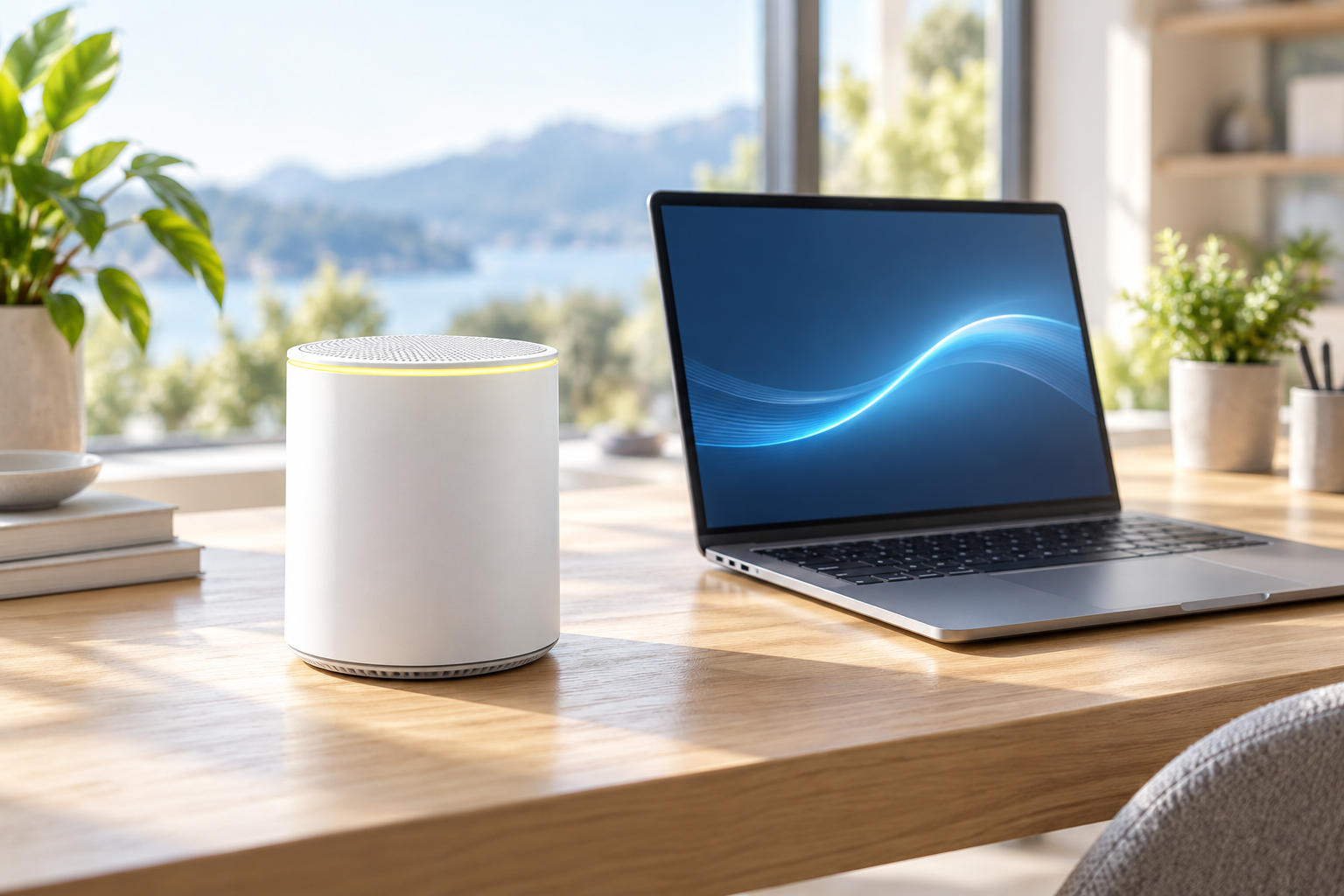
What the Kevin router actually is
The Minions line splits into two characters: Kevin, the Wi-Fi 6E model — that is the one covered here and the one sold on this site — and Bob, the cheaper Wi-Fi 6 (dual-band) model. Kevin targets people who want the 6GHz band for crowded homes and wireless VR, while Bob keeps the price down by staying on 2.4GHz and 5GHz.
- Wi-Fi 6E (802.11ax) tri-band: 2.4GHz, 5GHz and 6GHz
- Up to AXE5400 combined throughput (roughly 5.4 Gbps across three bands)
- 2.5GbE WAN port plus gigabit LAN connectivity
- WPA3 security, WPS and mesh support across 2-pack and 3-pack kits
- Marketed for wireless PCVR, gaming and streaming — see the full spec sheet
Why does the 6 GHz band matter for PCVR?
Wi-Fi 6E is not a new speed standard — it is Wi-Fi 6 with access to the 6GHz spectrum. That band is nearly empty compared with 2.4GHz and 5GHz, which is exactly why it is interesting for two workloads: wireless VR streaming from a PC, and busy apartments where the 5GHz band is a parking lot at rush hour.
- Wireless PCVR: a Wi-Fi 6E headset such as Meta Quest 3 can stream PC games on a dedicated 6GHz band with far less interference than 5GHz
- Crowded buildings: 6GHz gives your phone and laptop a clean lane while the smart home stays on 2.4GHz
- Congestion-free backhaul: mesh kits use 6GHz between units, so the fast lane is not shared with your devices
Reality check: 6GHz has shorter range than 5GHz — that is physics, not a defect. Expect a strong 6GHz signal in the same room and one or two rooms away, and let the 5GHz band cover the far corners. Mesh kits largely solve this by placing a second radio near the far side of the home.
How fast is it and what ports does it have?
The AXE5400 rating splits into roughly 574 Mbps on 2.4GHz and up to 2,402 Mbps on each of the 5GHz and 6GHz bands. In practice your internet speed caps Wi-Fi speed — a gigabit fiber line plus a Wi-Fi 6E device on 6GHz is the combination where this router looks fastest.
- 2.5GbE WAN: worth it if your ISP plan goes above 1 Gbps, or if you move large files inside your network; a standard 1 Gbps plan works fine but will not use the extra headroom
- Gigabit LAN: fine for a wired console or gaming PC; Gadget Review reports one gigabit LAN port, so add a switch if you need several wired devices
- Wi-Fi 6E, not Wi-Fi 7: this router uses the current-mainstream 6E standard, so do not expect Wi-Fi 7 features like multi-link operation
The radio ratings come from the product specification. For independent context, RTINGS has a Davolink Minions Kevin review, and Gadget Review covers the Quest 3 and single-LAN-port trade-offs. This page does not present either source's tests as our own.
How much coverage do the single and mesh kits provide?
One unit covers roughly 2,000 sq ft. The 2-pack and 3-pack kits add units that pair with the main router and cover up to 4,000 and 6,000 sq ft respectively, using the 6GHz band as a dedicated backhaul between units. If you shoot wireless PCVR in one room but your gaming PC lives in another, a 2-pack is the configuration that makes this router shine.
What do 132 owner ratings say?
Across 132 owner ratings the Kevin holds 4.5 out of 5. The themes are consistent: connectivity and performance are praised most (30 and 25 mentions), followed by speed (18), its appearance — it does not look like a normal router — (13) and value for money (12). Setup is the one mixed area, with 14 mentions splitting between easy and fiddly.
- Most common positives: stable connectivity, better than expected speeds, easy multi-room coverage with a second unit
- Most common complaint: setup takes patience for non-technical users — our setup guide shortens that curve to about 15 minutes; the manual and app guide covers the QR flow and reset steps
- When a step fails, use the router troubleshooting guide to check modem status, the WAN cable, SSID selection and 6 GHz client support before resetting anything
- Recurring note: buyers repeatedly mention buying a second unit for VR or a far room
Where does the Kevin router fall short?
- 6GHz range is short by design — one unit will not blanket a large house on 6GHz alone
- Setup has a learning curve; the app-driven flow is not as frictionless as the big-name mesh apps
- Only one gigabit LAN port is reported by Gadget Review; multiple wired devices need a switch
- No Wi-Fi 7: if you are buying for the next five years and want the newest standard, this is a 6E router at a 6E price — expect Wi-Fi 7 to cost more
- The 2.5GbE WAN is wasted on a standard 1 Gbps internet plan
What are the best Minion Router alternatives?
Choose eero 6+ for a lower-cost dual-band app mesh, Deco XE5300 for a three-node Wi-Fi 6E system, RT-AXE7800 or RAXE300 for more Ethernet and USB, and ZenWiFi ET9 for ASUS AiMesh features. Kevin remains the value pick when nearby 6 GHz PCVR, a 2.5GbE WAN and local browser control matter most.
The Minion Router alternatives guide compares eight alternatives by mesh format, ports, ecosystems, tested range and total fit without declaring an unsupported universal winner.
Should you buy Kevin, Bob or neither?
- Buy the Kevin if: you have or plan to get a Wi-Fi 6E headset or laptop, you live somewhere crowded, or you want a cheap entry into tri-band mesh
- Buy the Bob instead if: your devices are all Wi-Fi 6 or older, you have a small home and you want the lowest price
- Buy a 2-pack if: you stream PCVR wirelessly or your home is larger than about 2,000 sq ft — the second unit is where the experience jumps
Next steps: compare Kevin vs Bob, read the dedicated Davolink Minions Bob guide, or compare the eero 6+, TP-Link Deco XE5300, Nighthawk RAXE300, TP-Link Archer AXE75, ASUS RT-AXE7800, Google Nest Wifi Pro and ASUS ZenWiFi ET9. Then check room-by-room range, see current kit prices, or read the Quest 3 router setup before it arrives.
For broader model context, the Davolink Minions router guide separates Kevin, Bob and the smart air marketplace naming. If Wi-Fi 7 is on your mind, read whether Kevin supports Wi-Fi 7; for an easier app-managed mesh alternative, see Kevin vs eero Pro 6E. For adding coverage without replacing your main router, compare wired access-point mode with extender and mesh options.
Frequently asked questions
Is the Minion router worth it?
For Wi-Fi 6E devices, yes — the Kevin is among the cheapest tri-band 6E routers with a 2.5GbE WAN port, and it holds a 4.5/5 rating from 132 owners. If none of your devices support 6GHz, a cheaper dual-band Wi-Fi 6 router like the Bob is the better value.
Is the Minions Kevin router good for gaming?
It is built for the wireless-gaming use case: the 6GHz band gives a wireless PCVR headset a clean dedicated lane, the 2.5GbE WAN feeds fast internet plans, and consoles can use gigabit Ethernet. Multi-unit kits extend coverage across a larger home. The Quest 3 router guide covers placement.
Does the Kevin router support mesh?
Yes. The 2-pack and 3-pack kits pair multiple Kevin units into one network, with the 6GHz band used as a dedicated backhaul between units. Coverage grows from about 2,000 sq ft for one unit to roughly 4,000 and 6,000 sq ft for the kits.
Is it Wi-Fi 6, Wi-Fi 6E or Wi-Fi 7?
It is Wi-Fi 6E (802.11ax with the added 6GHz band). It is not Wi-Fi 7, so it does not support Wi-Fi 7 features such as multi-link operation — but it costs a fraction of early Wi-Fi 7 hardware.
What is the difference between Kevin and Bob?
Kevin is the tri-band Wi-Fi 6E model with a 6GHz band, a 2.5GbE WAN port and up to AXE5400 speeds. Bob is the dual-band Wi-Fi 6 model with up to AX1800 speeds and gigabit ports. Same family, same WPA3 security and mesh support — Kevin adds the 6GHz band and faster ports.
How much does the Minions router cost?
The Kevin starts at $102.99 for a single unit, $189.99 for a 2-pack and $259.99 for a 3-pack, with free shipping in 3–5 days. Current kit pricing is on the price page.
Ready to try the Kevin?
Single unit $102.99 — free shipping in 3–5 days and 30-day returns.