
Minion Router vs eero Pro 6E: Which Wi-Fi 6E Mesh Fits?
Both are tri-band Wi-Fi 6E systems, but they target different buyers. eero Pro 6E emphasizes simple app setup, stronger tested range and a mature smart-home mesh ecosystem. Minions Kevin emphasizes local Web management, a 2.5GbE WAN and a much lower hardware price. This source-based comparison separates the trade-offs.
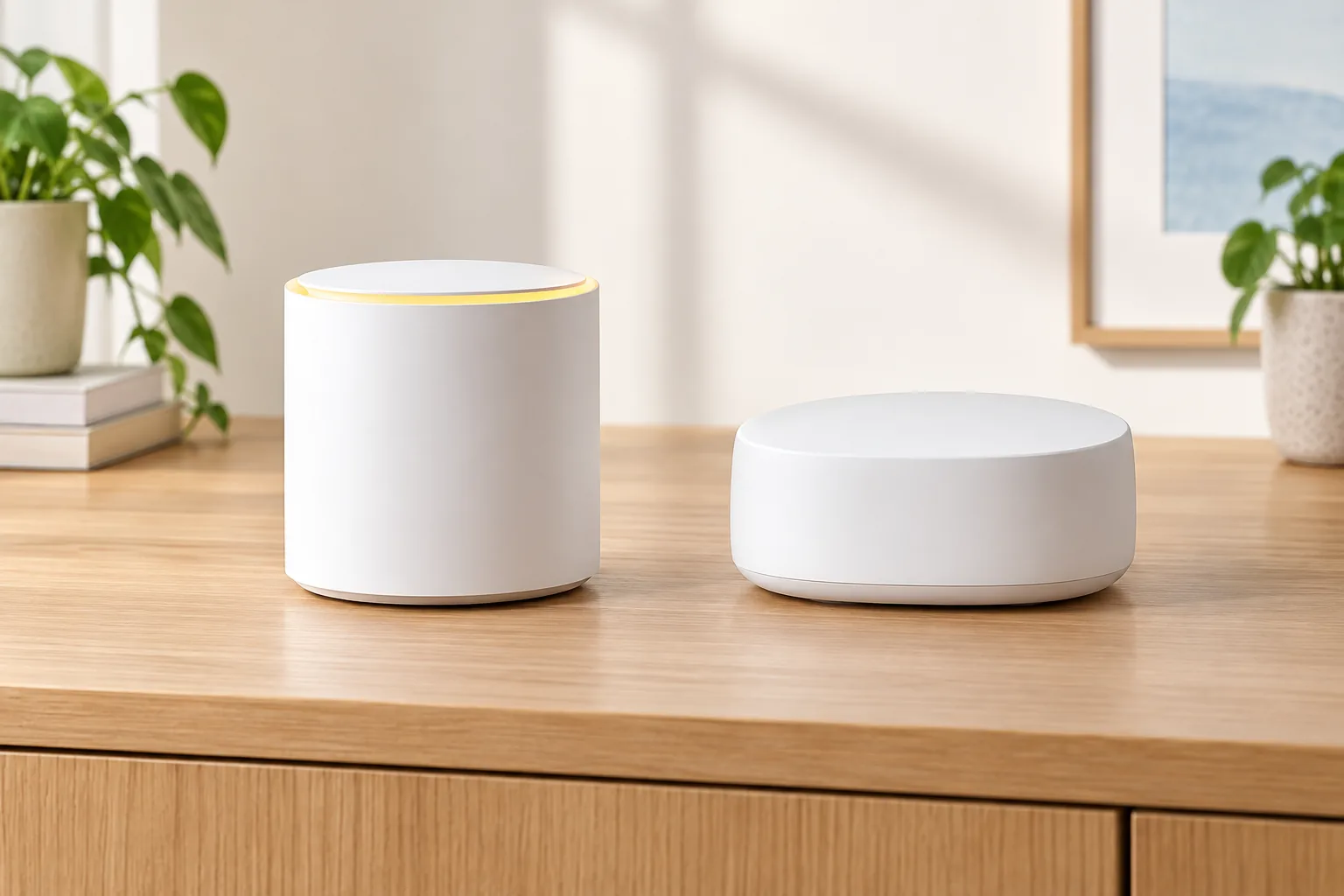
Which wins at a glance?
| Decision factor | Minions Kevin | eero Pro 6E |
|---|---|---|
| Wireless standard | Tri-band Wi-Fi 6E, AXE5400 | Tri-band Wi-Fi 6E |
| Management | Browser admin interface plus QR/app setup | eero mobile app; no web interface documented by RTINGS |
| Wired ports | 1 × 2.5GbE WAN, 1 × Gigabit LAN | Two auto-detecting Ethernet ports, including 2.5GbE-class connectivity |
| Mesh model | Compatible Davolink Minions units | Dedicated eero mesh system with optional additional nodes |
| Smart-home radio | Not documented as a Zigbee/Thread hub | Zigbee and Thread support with Alexa |
| Published range | Good nearby; 6 GHz shortens with distance | RTINGS reports better range than several Wi-Fi 6E competitors |
| Optimal buyer | Price-, port- or Web-admin-led setup | Setup simplicity, range and smart-home ecosystem |
This is a source-based editorial comparison, not a MinionRouter lab test of eero. Performance statements are attributed to RTINGS's published reviews and each manufacturer's specifications, checked 2026-10-30.
What is the Minions Kevin?
Kevin is Davolink's Wi-Fi 6E model in the Minions router family. It has 2.4, 5 and 6 GHz radios, a 2.5GbE WAN and one gigabit LAN port. RTINGS documents browser-based management and support for up to seven SSIDs per band. It can operate as a router, repeater or documented bridge/access-point configuration, and compatible Minions hardware can form a Davolink mesh.
The local Web interface makes Kevin more configurable than app-only systems, but the browser layout and setup flow are not as polished as eero's. Amazon review discussion also shows mixed setup experiences: some buyers describe a simple QR flow while others needed more patience.
Read the Kevin review, specs or admin login guide for the hardware and management details.
What is the eero Pro 6E?
The eero Pro 6E is a tri-band Wi-Fi 6E mesh router available as a single unit, 2-pack or 3-pack. It is managed through the eero app, supports Zigbee and Thread smart-home devices, and offers optional eero Plus security, parental-control and VPN features through a separate subscription.
RTINGS describes eero as easier to use and set up than many conventional routers, with slightly better speed and range than several Wi-Fi 6E competitors. The trade-off is limited configurability and dependence on the app. There is no web interface in RTINGS's tested firmware.
Official details and current pack options are on the eero Pro 6E product page.
Which router has better range and setup?
eero Pro 6E has the stronger published case for range and setup simplicity. RTINGS notes that the eero delivers better range and an easier app-led setup, while Kevin's own review is strongest around nearby 6 GHz performance and value. That distinction matters in a large or multi-floor home where reliable roaming and a mature mesh ecosystem are more important than local browser controls.
- Apartment or compact home with a chosen play area: Kevin can fit well
- Long home where range and multi-node simplicity dominate: eero Pro 6E is the safer fit
- 6 GHz is shorter-range on both systems; neither should be expected to cover a large home from one corner
- A second node changes coverage more than repeatedly adjusting radio settings
For room planning before choosing a system, read the Minion router range guide.
How do their Ethernet ports compare?
| Wired need | Better fit | Why |
|---|---|---|
| One PC plus a 2.5G-capable modem | Kevin | One 2.5GbE WAN and one gigabit LAN cover a focused desk |
| Two high-speed wired devices | eero Pro 6E | Two flexible auto-detecting Ethernet ports |
| PC, console, NAS and TV | Either plus a switch | Neither compact design replaces a larger port-count router |
| Gaming PC wired, headset wireless | Either | Both can supply a wired PC; local placement remains critical |
| Port forwarding and advanced local controls | Kevin | Browser management exposes more direct configuration |
Port behavior varies by model and firmware. Use the linked official documentation before relying on a specific WAN/LAN auto-detection or forwarding feature.
Which is better for Quest 3 PCVR?
Kevin is the natural value pick when the router and gaming PC can sit near the headset play area. Its Web interface provides direct control, and the 2.5GbE WAN is useful on a compatible multi-gig plan. eero Pro 6E can also support PCVR and may sustain coverage across a more complex home, but the app provides fewer networking controls and adds a premium before accessories.
- Wire the gaming PC whenever possible
- Keep the headset's 6 GHz path short and unobstructed
- Use a nearby node for a remote play area
- Measure sustained game latency and visual quality, not only link-rate peaks
Use the Quest 3 setup for the configuration sequence and the gaming guide for latency trade-offs.
How do app control, privacy and subscriptions compare?
eero trades flexibility for polish. Setup, device management and remote controls live in one app, and advanced security or parental features can be added through eero Plus. RTINGS reports very few configurable options compared with conventional routers. Minimum eero functionality does not require the subscription, but buyers should price the features they actually expect to use.
- Kevin: local browser interface with per-band SSID and radio controls documented by RTINGS
- eero Pro 6E: guided app management and smart-home radios
- eero optional plan: $9.99 monthly or $99.99 annual after the trial described on the official page
- Avoid buying eero purely for its smart-home hub if you do not own Zigbee or Thread devices
How much do Kevin and eero Pro 6E cost?
| Pack | Minions Kevin | eero Pro 6E |
|---|---|---|
| Single | $102.99 official price | $199.99 official list price |
| 2-pack | $189.99 official price | $349.99 official list price |
| 3-pack | $259.99 official price | $499.99 official list price |
| Optional subscription | None required for the listed hardware | eero Plus available separately |
Prices are the official pages checked on 2026-10-30 and can change. Kevin's official hardware price is materially lower at every pack size; eero's premium buys simpler setup, a more mature mesh ecosystem, stronger published range and smart-home radios. Confirm live totals on the Minion Router price page and eero's product page.
Which mesh pack size should you choose?
| Home layout | Kevin | eero Pro 6E |
|---|---|---|
| One room, compact apartment | Start with one unit | One pack is simplest, but costs roughly twice Kevin's single price |
| Two distant rooms or a long single floor | 2-pack when the headset or PC is in the far room | 2-pack when easy roaming and app management matter |
| Multi-floor or multiple dead zones | 3-pack after checking whether compatible Minions nodes preserve the needed speed | 3-pack for a mature whole-home mesh and fewer configuration decisions |
| Existing wired Ethernet between rooms | Prefer Ethernet-backed access-point options when supported | Use wired eero nodes where the official setup supports them |
Do not choose a pack from square footage alone. Count the rooms where a strong 5 GHz or 6 GHz signal is required, note the walls and floors between them and decide where a node can receive a strong uplink. A 2-pack placed well is more useful than three nodes confined to the same side of a house.
When is each system the better choice?
| Buyer | Better choice | Why |
|---|---|---|
| Budget-focused Quest 3 owner | Kevin | Lower price, nearby 6 GHz and direct network control |
| Buyer who values local Web management | Kevin | RTINGS documents a browser admin interface |
| Large home prioritizing range | eero Pro 6E | Stronger published range and a mature mesh system |
| Smart-home owner with Zigbee or Thread | eero Pro 6E | Built-in smart-home radios and Alexa integration |
| Buyer who wants the simplest setup | eero Pro 6E | The app-led flow is easier and offers fewer options to misconfigure |
| Buyer who wants to tune SSIDs and local radio settings | Kevin | The browser interface exposes more granular control |
Concession: eero Pro 6E is the more polished, expandable mesh system for many homes. Kevin's argument is value, local management and a direct 6 GHz PCVR use case, not ecosystem breadth or blanket performance superiority.
Should you choose either system or wait for Wi-Fi 7?
Both Kevin and eero Pro 6E are Wi-Fi 6E products. A buyer with Wi-Fi 7 clients and an explicit need for Multi-Link Operation, wider channels or newer router hardware should compare current Wi-Fi 7 systems instead. A buyer whose important devices are Quest 3, Wi-Fi 6E laptops and phones can use the 6 GHz band without paying for a newer standard they cannot fully exploit.
- Choose Wi-Fi 6E when current clients support it and the hardware price matters
- Choose Wi-Fi 7 only when compatible clients or a specific feature justify the premium
- Do not expect a Wi-Fi 7 client to unlock Wi-Fi 7 features on either 6E system
- A better placement or a second well-positioned node often improves the actual experience more than a generation label
For a focused explanation of Kevin's standard, see Is the Minion Router Wi-Fi 7?.
How was this comparison evaluated?
We compared RTINGS's published Kevin and eero Pro 6E reviews, eero's official product and pricing page, and the current Minions Kevin product information. The comparison date is 2026-10-30. We did not independently benchmark eero, so every speed or range statement about it is attributed to RTINGS rather than our own testing.
- Hardware and port details come from manufacturer specifications and RTINGS
- PCVR recommendations combine the documented 6 GHz hardware with this site's setup workflow
- Prices are official single/pack list prices on the comparison date
- The recommended choice changes by coverage, ecosystem and management preference
Sources: RTINGS Kevin review, RTINGS eero Pro 6E review and eero Pro 6E official shop.
What should you test during the return window?
Test the locations that matter before the return period closes. Put the main unit where the modem enters the home, identify the weak room and measure that room with the actual headset, laptop or phone. Then test a second-node position if the pack includes one. A temporary long Ethernet cable is useful for ruling out Wi-Fi before reorganizing furniture.
| Test | Kevin | eero Pro 6E |
|---|---|---|
| 6 GHz nearby | Confirm the client joins the 6 GHz SSID and check sustained transfer or PCVR | Confirm the client joins the 6 GHz-capable network through the app |
| Far-room roaming | Watch whether the client reconnects to a compatible Minions node cleanly | Move between nodes and check the topology and client connection in the app |
| Wired path | Verify the PC reaches the expected LAN speed and the WAN negotiates with the modem | Check both auto-detecting ports and the connected-device speed in the app |
| Configuration | Open the browser admin and verify SSIDs, radio settings and administrator access | Verify the settings you need are actually available without assuming every advanced control exists |
Return the system if its coverage, management or port layout requires a workaround that is larger than the price advantage. A router that looks unusual but does not reach the play area or wired desk is still the wrong router.
Key takeaways
- Kevin wins on hardware price, browser management and focused PCVR value
- eero wins on tested range, app simplicity, mature mesh and smart-home radios
- For five Ethernet ports, USB and ASUS AiMesh, compare the RT-AXE7800
- For Google Home, Matter and Thread, compare Nest Wifi Pro
- For a multi-node ASUS mesh with advanced controls, see ZenWiFi ET9
- For the lower-cost dual-band eero option, compare eero 6+
- Both are Wi-Fi 6E, not Wi-Fi 7
- Kevin's WAN is faster but eero's two flexible Ethernet ports may suit some wired desks better
- For a large or complex home, the total system and placement matter more than a spec-label comparison
- See all Minion Router alternatives in one comparison
Frequently asked questions
Is the Minion Router better than eero Pro 6E?
Kevin is better for lower cost, browser management and a focused nearby PCVR setup. eero Pro 6E is better for stronger published range, simpler setup and a mature smart-home mesh ecosystem.
Which has better range, Minion Router or eero Pro 6E?
RTINGS's published comparison gives eero Pro 6E the range and setup advantage. Kevin remains useful in compact homes where the 6 GHz signal can stay near the headset or client.
Does eero Pro 6E have Wi-Fi 7?
No. eero Pro 6E is a Wi-Fi 6E router. A separate eero 7 or eero Pro 7 product would be required for Wi-Fi 7 capabilities.
Can eero Pro 6E be used for Quest 3 PCVR?
Yes, it has a 6 GHz band and Ethernet connectivity. Kevin is the lower-cost option with more direct browser controls, while eero may fit better in a larger home that values easy mesh expansion.
How much does each system cost?
On 2026-10-30, Kevin was $102.99 for one, $189.99 for two and $259.99 for three. eero Pro 6E listed at $199.99, $349.99 and $499.99. Prices and promotions can change.
Does eero require a subscription?
Core router functions work without eero Plus. Security, advanced parental controls, VPN and other optional features can require the paid subscription.
Prefer direct control and a lower hardware price?
The Minions Kevin starts at $102.99 with free shipping in 3–5 days and 30-day returns.