
How Far Does the Minion Router Reach on 6 GHz?
The Davolink Minions Kevin covers a normal apartment well from a central location, but 6 GHz is a shorter-range band than 5 GHz and walls reduce it first. This guide translates the advertised coverage into room-by-room expectations, explains what changes reach, and shows when a second unit is the better upgrade.
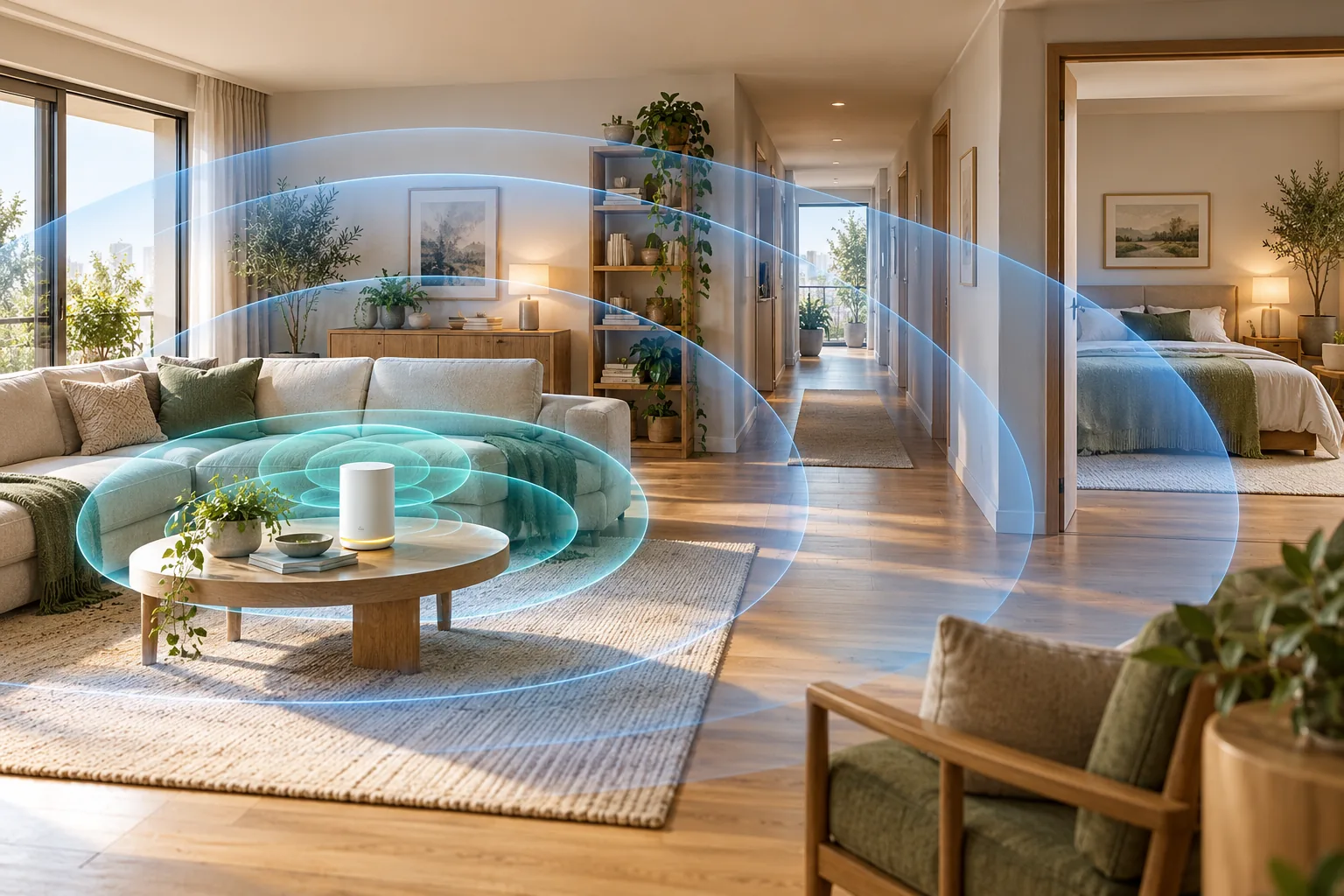
How far does the Minion router reach in a real home?
Place one Kevin near the center of an apartment or a small single-floor home and it can provide useful Wi-Fi throughout much of the space. Do not expect that result in every direction on 6 GHz. That band has more capacity and less interference, but it also loses signal faster than 5 GHz when it crosses distance and walls.
RTINGS tested the same Kevin and found stronger speed and range than the TP-Link Archer AXE75 overall, but the result does not make Kevin a large-home router by itself. Distance remains the main variable, followed by interior construction and where the router sits.
Plan by rooms and materials, not a single distance estimate. Two homes with the same square footage can have very different coverage because drywall, brick, concrete, mirrors, metal cabinets and floor structure affect radio signals differently.
How do 6 GHz, 5 GHz and 2.4 GHz range compare?
| Band | Practical planning expectation | Best use in the home |
|---|---|---|
| 6 GHz | Strong in the same room, often useful one room away; walls reduce it first | Quest 3 PCVR, nearby Wi-Fi 6E laptops and phones, congestion relief |
| 5 GHz | Reaches through several rooms in open-plan layouts and handles obstacles better than 6 GHz | Everyday phones, laptops, TVs and devices without 6E support |
| 2.4 GHz | Longest reach and best wall penetration, with much lower speed | Smart-home devices, doorbells and distant low-bandwidth clients |
A device showing the 6 GHz SSID is not proof that it has a strong link. Check the negotiated rate and run a sustained transfer or PCVR session. If the headset or laptop drops back to 5 GHz, the 6 GHz path is probably too weak.
What reduces Minion router coverage most?
- Concrete or brick walls, especially load-bearing walls, interrupt 5 GHz and 6 GHz more than drywall
- Metal cabinets, mirrors, foil-backed insulation and appliances reflect or absorb the signal
- Floors and ceilings add another barrier; a router at one end of a multi-floor home is a poor starting point
- Closed cabinets, shelves and placement against a wall reduce the usable pattern around the router
- Microwaves and dense nearby Wi-Fi networks add interference, especially on 2.4 GHz and 5 GHz
Move the router into open space first. Raising it off the floor, keeping it away from metal and placing it centrally often improves coverage more than changing a radio setting. If the weak room is still far after that move, add coverage rather than increasing transmit power at the expense of link stability.
How far can Quest 3 PCVR run from the router?
For PCVR, keep the headset in the same room as the router whenever possible and maintain line of sight. The gaming PC should be wired to the router's gigabit LAN port; the 6 GHz band then carries the headset traffic. A close 6 GHz connection with a wired PC is the configuration where Kevin makes the most sense.
- Same room, clear line of sight: best starting point for high-bitrate PCVR
- One drywall wall: can work, but test sustained latency and frame pacing
- Two or more walls or a concrete partition: expect a weaker 6 GHz link or fallback to 5 GHz
- Large home or play space far from the modem: use a mesh node close to the headset rather than forcing the main router through walls
A high link rate on the headset does not guarantee a smooth game. Use the Quest 3 router setup for channel width, streaming settings and placement.
How do you test the router's real coverage?
1. Start beside the router
Run a speed test and record the band, negotiated link rate and latency from the same room.
2. Repeat in each important room
Test at seated height where phones, laptops or the headset will actually be used. Note the wall material and whether the 6 GHz SSID remains visible.
3. Compare more than speed
Watch latency and packet behavior during a call or game. A fast download result can still hide unstable roaming or interference.
4. Move one variable at a time
Reposition the router, then test again. Change channel width or a mesh node only after recording the baseline.
Why can one room show full bars but still feel slow?
Coverage and throughput are different measurements. A device can maintain a visible connection while the link rate, channel width and retry rate deteriorate enough to make a game stutter or a large download crawl. Full bars describe an available signal, not the capacity available at that moment.
This distinction matters on 6 GHz because the band can be extremely fast nearby and then weaken quickly. Test the important room with the actual headset, phone or laptop rather than judging coverage from the router's location. If a distant device falls back to 5 GHz, that may be a better experience than forcing a marginal 6 GHz connection.
- Nearby speed but poor far-room latency usually points to placement or obstacles
- Strong signal with slow speed can indicate an ISP issue, an old client or interference
- A stable 5 GHz fallback may outperform a weak 6 GHz link for everyday tasks
- PCVR requires sustained link quality, not only a high result from a brief speed test
When do you need a 2-pack, 3-pack or extender?
| Home situation | Best starting point | Why |
|---|---|---|
| Studio or compact apartment | Single Kevin | One central unit can cover devices in the same main area |
| Up to about 2,000 sq ft, central placement, ordinary drywall | Try a single unit first | Advertised coverage can be enough when the router is well placed |
| Two to four rooms, long layout or a distant play area | 2-pack | A second unit shortens the 6 GHz path instead of pushing through more walls |
| Multi-floor or roughly 4,000–6,000 sq ft | 3-pack | One unit per area provides a more realistic path through the home |
| Existing router you want to keep | Extender or bridge mode | The right mode depends on whether the current network is wireless or wired |
Start with the mesh guide for compatible Davolink multi-unit planning. If you are keeping another router, compare extender mode with bridge mode behind an ISP router, then check the current kit prices. For a stronger third-party range result, read Kevin vs Deco XE5300; for a branded budget mesh, see Kevin vs eero 6+.
Key takeaways
- Kevin's 6 GHz band is for nearby high-speed devices, not whole-home coverage through every wall
- Use 5 GHz for wider reach and 2.4 GHz for distant low-bandwidth devices
- Central placement in open space is the first coverage fix
- A 2-pack is justified when the headset or important rooms sit too far from the main unit
- The advertised ~2,000 sq ft per unit is a planning guide, not a guarantee for every room and band
For the hardware behind these expectations, see the Kevin spec sheet. For measured test context, RTINGS publishes its Davolink Minions Kevin review.
Frequently asked questions
What is the range of the Minion router?
There is no single reliable distance because walls and interference matter more than open-air distance. For planning, expect a strong 6 GHz signal in the same room and often in adjacent rooms, wider 5 GHz reach and the longest but slowest coverage on 2.4 GHz.
Why is the 6 GHz range shorter than 5 GHz?
Higher frequencies do not travel as far or pass through building materials as well. The 6 GHz band still improves nearby performance because it has more clean spectrum and less interference.
Does the Minion router cover 2,000 square feet?
The product is advertised at roughly 2,000 sq ft per unit, but that number assumes favorable placement and construction. Treat it as a ceiling. A central single unit may be enough in a compact home; long layouts and thick walls often need a second unit.
Should I buy the 2-pack for Quest 3 PCVR?
Buy the 2-pack when the headset is used in a room too far from the main router or behind multiple walls. If the play area is in the same room, start with one unit and a wired gaming PC.
Will a mesh node make the 6 GHz band reach farther?
A compatible Davolink mesh node shortens the route to the far room and provides a nearby radio there. It does not make a single 6 GHz signal pass through more walls; it adds another access point.
How can I tell whether my device is really using 6 GHz?
Give 6 GHz a separate SSID, connect the Wi-Fi 6E device to that network and check its connection details or negotiated link rate. A device without 6E hardware cannot join the band.
Choose coverage by rooms, not square footage alone
Kevin starts at $102.99; 2- and 3-packs are available with free shipping in 3–5 days and 30-day returns.