
Minion Router vs TP-Link Archer AXE75: Which Wi-Fi 6E Router Fits?
Both are AXE5400-class tri-band Wi-Fi 6E routers, but they solve different problems. Kevin brings a 2.5GbE WAN port, stronger RTINGS speed and range results, and a playful design. The Archer AXE75 brings five gigabit ports, USB storage features and TP-Link's wider OneMesh ecosystem. This source-based comparison shows where each one wins.
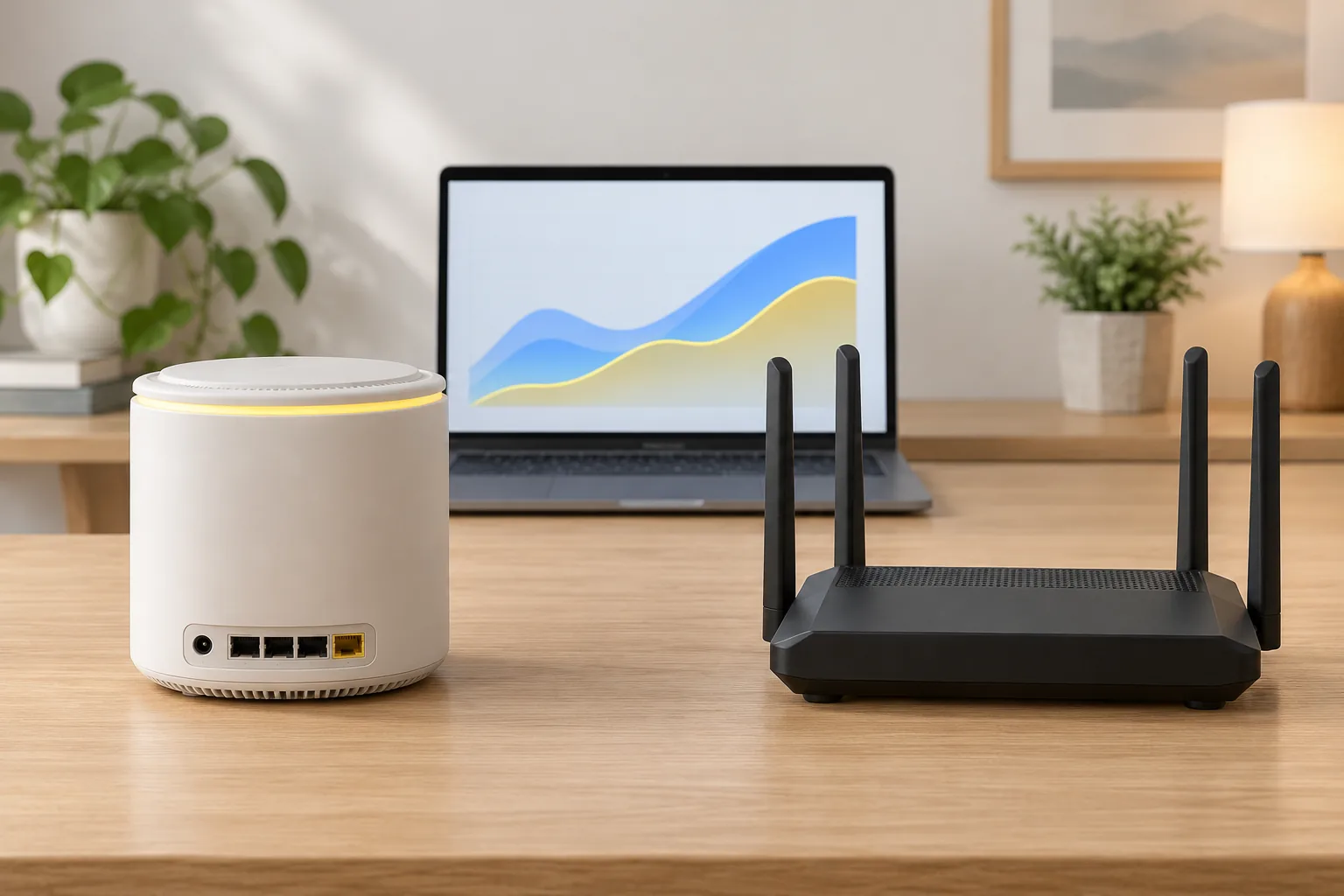
Which wins at a glance?
| Decision factor | Minions Kevin | TP-Link Archer AXE75 |
|---|---|---|
| Wireless class | Wi-Fi 6E AXE5400 tri-band | Wi-Fi 6E AXE5400 tri-band |
| Published lab verdict | RTINGS finds more impressive speed and range than AXE75 overall | RTINGS finds middling speed and range; it still handles everyday gaming and streaming |
| WAN / LAN | 1 × 2.5GbE WAN; 1 × Gigabit LAN | Five 1-Gigabit network ports |
| USB | None documented | USB 3.0 for supported storage, media and Time Machine features |
| Mesh | Compatible Davolink Minions units | TP-Link OneMesh ecosystem |
| Management | QR/app setup and browser admin interface | TP-Link Tether app and web interface |
| Best fit | PCVR, small-home design and 2.5GbE internet | Multiple wired devices, USB features and TP-Link ecosystem |
This comparison is based on RTINGS's published tests and each manufacturer's documented specifications, checked 2026-10-27. We have not independently lab-tested the Archer AXE75, so neither page should be read as our own benchmark result.
What is the Minions Kevin?
The Davolink Minions Kevin is a tri-band Wi-Fi 6E router with 2.4, 5 and 6 GHz radios, a 2.5GbE WAN port and one gigabit LAN port. Its distinctive upright character design hides a conventional home-router layout: WPA3 support, web or app management, repeater and bridge flexibility, and compatibility with Davolink Minions units for mesh coverage.
RTINGS documents up to seven SSIDs per band, enough to separate a main network, guest devices and low-trust smart-home clients. Kevin's strongest niche is a nearby Wi-Fi 6E headset or laptop, especially when the gaming PC is wired to the LAN port and the headset is allowed a clean 6 GHz path.
See the full Kevin specs and the wireless-PCVR setup for the detailed hardware and placement story.
What is the TP-Link Archer AXE75?
The TP-Link Archer AXE75 is also a tri-band AXE5400 Wi-Fi 6E router. TP-Link gives it five gigabit network ports and a USB 3.0 port, with setup and management through the Tether app or a browser. It supports WPA3, TP-Link OneMesh and HomeShield security and parental-control features.
Its advantage is flexibility for wired devices. A user with a desktop, console, NAS and accessory can attach more equipment without buying a switch immediately. The USB port can also matter to households that use supported file sharing or Time Machine features.
The trade-off is networking performance. RTINGS describes the AXE75 as an entry-level Wi-Fi 6E router with lower speed and range than several standalone competitors, including Kevin. Verify current firmware, features and price on TP-Link's official AXE75 page.
Which router has better speed and range?
On RTINGS's published test results, Kevin has the edge in both speed and range. The difference matters most at longer distances, where Kevin maintains a stronger usable connection than the AXE75 in RTINGS's comparison. This is a directional, source-based finding rather than a guarantee for your home.
- Both routers carry the same AXE5400 class label; that combined radio rating is not the throughput one device will receive
- Kevin's advantage is meaningful for an apartment where the play area is one room away
- Neither router makes 6 GHz cover a large multi-floor home through masonry; placement and a second node still matter
- In a dense environment, a clean 6 GHz channel can matter more than a small difference in peak marketing speed
For the room-by-room expectations behind these results, see the Minion router range guide and the Kevin speed guide.
Which has better wired networking?
The answer depends on whether your bottleneck is internet speed or port count. Kevin gives you one high-speed 2.5GbE WAN for a compatible modem or fiber ONT, but only one gigabit LAN for downstream wired devices. The AXE75 provides more gigabit ports, so a desk with a PC, console and NAS is easier to wire without a switch.
| Wired need | Better fit | Reason |
|---|---|---|
| Internet plan above 1 Gbps | Kevin | 2.5GbE WAN supports a faster modem connection |
| Gaming PC plus two or more consoles | AXE75 | More built-in gigabit ports |
| Wired PC for PCVR, headset on Wi-Fi | Kevin | Strong 6 GHz performance plus a LAN port for the PC |
| Portable USB storage or Time Machine | AXE75 | USB 3.0 with supported TP-Link sharing features |
| Clean desk with one wired device | Kevin | One LAN port may be enough and the WAN has headroom |
If you choose Kevin and need more wired ports, a basic unmanaged gigabit switch is the direct solution. That switch does not turn the 2.5GbE WAN into multiple 2.5GbE LAN ports.
Which is better for Quest 3 and PCVR?
Kevin is the more natural choice for a dedicated Quest 3 wireless-PCVR setup when the headset and PC are used near the router. PCVR benefits from a nearby, lightly used 6 GHz channel and a wired connection between the gaming PC and router. Kevin provides that 6 GHz band and a LAN port in a relatively compact package.
The AXE75 also supports Wi-Fi 6E and can stream VR, but RTINGS's weaker range result makes placement more important if the play area is far from the router. Neither router fixes a poor modem path, a congested PC or an unstable game-streaming configuration.
- Wire the PC when possible; use Wi-Fi only for the headset
- Keep the router in the same room with clear line of sight
- Use a separate 6 GHz SSID for easier diagnosis
- Test sustained game latency, not only a speed-test peak
How do setup, management and mesh compare?
| Area | Minions Kevin | Archer AXE75 |
|---|---|---|
| First setup | QR-driven app or web flow; Amazon reviews are mixed on difficulty | TP-Link Tether app or browser; established consumer setup flow |
| Advanced management | Browser interface; per-band SSID and radio controls documented by RTINGS | TP-Link web interface and app; HomeShield features |
| Mesh ecosystem | Compatible Davolink Minions units | Broad TP-Link OneMesh product ecosystem |
| Flexible modes | Router, bridge/access-point options and repeater mode where documented | Router and OneMesh-compatible expansion |
Setup is the clearest place where buyers should read current reviews. Amazon's review summary for Kevin notes mixed experiences: some buyers describe plug-and-play setup, while others found the QR flow difficult. The Minion router setup guide reduces that risk by explaining the cable path and configuration order.
For larger homes, the TP-Link ecosystem offers more compatible expansion products. Kevin's mesh path is simpler for someone staying within the Davolink Minions line. Read the mesh guide and extender guide before assuming that every mode works on every firmware revision.
Which router is the better value?
Kevin is positioned as a low-cost entry into tri-band Wi-Fi 6E and multi-gig WAN hardware. Its official store price starts at $102.99 for a single unit, with 2- and 3-packs for larger spaces. TP-Link's street price changes by retailer and promotion, so verify the live price instead of relying on an old comparison article.
- Pay for the 2.5GbE WAN only when your modem and internet plan can exceed 1 Gbps, or when you value the WAN as a bridge uplink
- If you need four or more wired ports, compare Kevin plus a switch against the AXE75's all-in-one port layout
- If you need a large mesh, compare the total cost of a compatible Davolink kit with the TP-Link router plus compatible OneMesh nodes
- Do not buy either router for future Wi-Fi 7 features; both are Wi-Fi 6E
Current Kevin kit pricing is on the price page. Check the where-to-buy guide before ordering a marketplace listing that may hide a different Minions model.
How did we evaluate the Minion Router and TP-Link AXE75?
This is a source-based buying comparison, not our own lab test. We checked the current Amazon product description for Kevin, RTINGS's published Kevin and Archer AXE75 reviews, and TP-Link's official specification page on 2026-10-27. Speed and range statements about AXE75 are attributed to RTINGS rather than presented as MinionRouter measurements.
- Wireless comparison uses RTINGS's published Kevin-to-AXE75 comparison and its individual test summaries
- Port, USB and management facts come from official manufacturer specifications
- Quest 3 guidance combines the product's 6 GHz capability with our existing documented PCVR setup workflow
- Prices and availability can change and should be verified at the linked official sources
Because MinionRouter sells Kevin, read the AXE75 wins as a deliberate concession rather than an unbiased third-party ranking. The goal is to identify the router that matches the reader's ports, coverage and PCVR needs.
When is each router the better choice?
| Buyer | Better choice | Why |
|---|---|---|
| Quest 3 owner in a compact home | Kevin | Nearby 6 GHz performance, wired PC support and a lower entry price |
| Home with multi-gig internet | Kevin | 2.5GbE WAN removes the router-side gigabit ceiling |
| Desk with several wired devices | AXE75 | Five built-in gigabit ports avoid an immediate switch |
| Buyer who wants USB sharing | AXE75 | USB 3.0 enables supported storage and media features |
| Large TP-Link mesh household | AXE75 | OneMesh gives more expansion choices |
| Buyer prioritizing tested Wi-Fi speed and range | Kevin | RTINGS found Kevin stronger than AXE75 in both areas |
The concession is straightforward: the AXE75 is the more convenient choice for a wired-heavy desk or a TP-Link household, even though Kevin has the stronger tested wireless result. The correct purchase is the one that removes your actual bottleneck. If setup simplicity and a larger mesh ecosystem matter more, continue with Kevin vs eero 6+, Kevin vs eero Pro 6E or Kevin vs Deco XE5300. If more Ethernet, USB and ASUS AiMesh matter, read Kevin vs Nighthawk RAXE300, Kevin vs ASUS RT-AXE7800 or Kevin vs ASUS ZenWiFi ET9.
Should you skip both and buy Wi-Fi 7?
Only if you already own Wi-Fi 7 clients or can identify a specific feature you need, such as Multi-Link Operation or wider channels. For a Quest 3, a Wi-Fi 6E phone or a laptop that only supports 6E, these AXE5400 routers already provide the clean 6 GHz band that matters for nearby performance.
Wi-Fi 7 hardware generally costs more and may not improve a 6E client physically capable of using only 6E features. A better use of the budget can be a second compatible node for a large home or a wired switch for more devices. The correct upgrade is the one that removes your current bottleneck.
Key takeaways
- Kevin wins on RTINGS-tested speed and range plus its 2.5GbE WAN
- AXE75 wins on built-in wired port count, USB features and OneMesh choice
- For Quest 3 PCVR in a compact home, Kevin is the clearer starting point
- For a multi-device wired desk, AXE75 avoids adding a switch
- For the full eight-router shortlist, use the Minion Router alternatives guide
- Both are Wi-Fi 6E, not Wi-Fi 7, so buy them for current devices and value rather than future-standard bragging rights
Frequently asked questions
Is the Minion Router better than the TP-Link Archer AXE75?
For wireless speed, range and a 2.5GbE WAN, RTINGS's published results favor Kevin. The AXE75 is better for users who need more gigabit ports, USB features or TP-Link OneMesh expansion. Neither wins every use case.
Do Kevin and the Archer AXE75 have the same AXE5400 speed?
Both carry an AXE5400 combined wireless class, but that label is not measured throughput. RTINGS found Kevin faster in its wireless tests, so the shared rating does not mean identical real-world performance.
Which router is better for Quest 3 PCVR?
Kevin is the stronger fit for a nearby Quest 3 PCVR setup because RTINGS found better speed and range than AXE75, and Kevin has a 2.5GbE WAN plus a LAN port for the gaming PC. Placement and 6 GHz channel quality still matter more than the spec label.
Which router has more Ethernet ports?
The TP-Link Archer AXE75 has five 1-Gigabit network ports. Kevin has one 2.5GbE WAN and one Gigabit LAN. Choose AXE75 for port count or Kevin plus a switch when its 2.5GbE WAN matters.
Can Kevin use TP-Link OneMesh?
No. Kevin expands through compatible Davolink Minions units, while TP-Link OneMesh is TP-Link's ecosystem. Buy matching equipment instead of assuming cross-brand mesh support.
Which is better for a large house?
Neither single router is the best answer for a large, wall-heavy home. Compare the total price of Kevin in a compatible Minions kit with AXE75 plus TP-Link OneMesh nodes, and place units to preserve a strong 6 GHz path.
Want RTINGS-tested speed and 2.5GbE WAN?
The Minions Kevin starts at $102.99 with free shipping in 3–5 days and 30-day returns.