
Minion Router vs ASUS RT-AXE7800: Which Should You Buy?
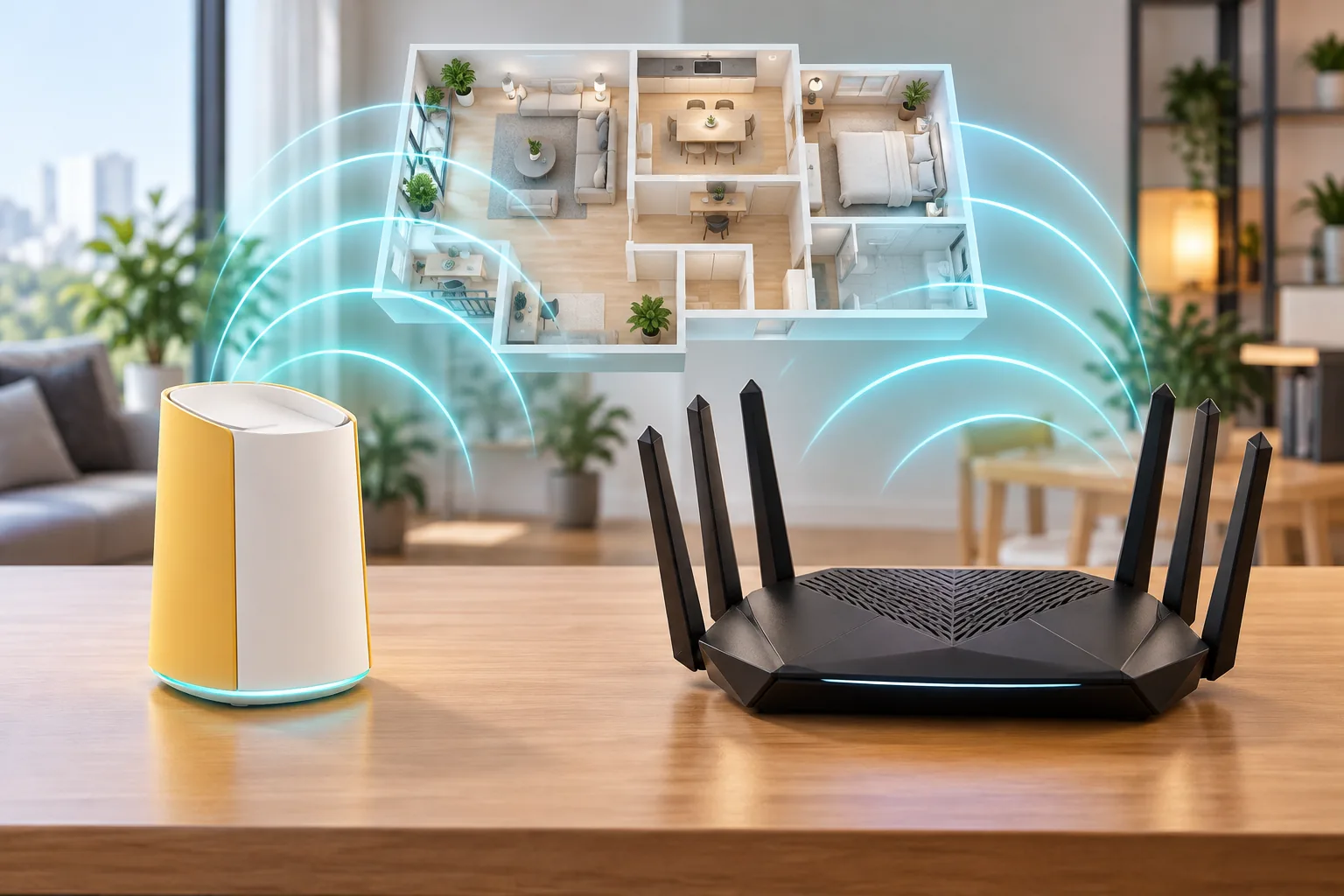
Both routers offer tri-band Wi-Fi 6E and a 2.5-gigabit network port, but they are built for different buyers. Kevin is compact, inexpensive and focused on nearby wireless PCVR. The ASUS RT-AXE7800 adds Ethernet, USB, external antennas, AiMesh and stronger tested long-range performance. Here is the source-based split.
Which router wins for most buyers?
There is no universal winner. Kevin wins when budget, a small desk footprint and nearby 6 GHz PCVR define the job. The RT-AXE7800 wins when wired capacity, USB sharing, external antennas and ASUS's wider mesh ecosystem are more valuable than the lowest entry price.
| Priority | Better fit | Reason |
|---|---|---|
| Lowest hardware cost | Kevin | This store lists the single unit from $102.99 |
| Strong published long-range result | RT-AXE7800 | RTINGS describes its range performance as very good |
| More built-in wired ports | RT-AXE7800 | One 2.5G flexible port, one 1G flexible port and three 1G LAN ports |
| USB storage | RT-AXE7800 | One USB 3.2 Gen 1 port |
| Compact nearby PCVR setup | Kevin | Tri-band Wi-Fi 6E, 2.5GbE WAN and one LAN in a smaller package |
| ASUS-compatible mesh expansion | RT-AXE7800 | AiMesh can reuse compatible ASUS routers as nodes |
This is an editorial comparison based on RTINGS tests and ASUS documentation. MinionRouter did not independently benchmark the RT-AXE7800.
What are the ASUS RT-AXE7800 specs?
The ASUS RT-AXE7800 is a tri-band Wi-Fi 6E router rated for up to 7800 Mbps combined across 2.4, 5 and 6 GHz. ASUS lists six non-detachable external antennas, a 2.5G WAN/LAN port, an additional 1G WAN/LAN port, three 1G LAN ports and one USB 3.2 Gen 1 port.
| Specification | ASUS RT-AXE7800 |
|---|---|
| Wireless class | Tri-band Wi-Fi 6E |
| Bands | 2.4 GHz, 5 GHz and 6 GHz |
| Combined rating | Up to 7800 Mbps according to ASUS |
| Antennas | 6 external, non-detachable |
| 2.5G port | 1 × 2.5G WAN/LAN |
| Gigabit ports | 1 × 1G WAN/LAN and 3 × 1G LAN |
| USB | 1 × USB 3.2 Gen 1 |
| Mesh ecosystem | ASUS AiMesh |
| Software features | AiProtection, parental controls, VPN features and browser/app management |
Verify current firmware and regional specifications on the ASUS RT-AXE7800 tech specs.
What does the Minions Kevin offer?
Davolink Minions Kevin is a tri-band AXE5400 Wi-Fi 6E router with 2.4, 5 and 6 GHz radios. RTINGS documents three internal antennas, one 2.5Gbps WAN port, one 1Gbps LAN port and up to seven SSIDs per band. Its web-based management gives it a different priority from ASUS's larger feature ecosystem.
- Wi-Fi 6E on 2.4, 5 and 6 GHz
- 2.5GbE WAN for compatible multi-gig internet or bridge uplink
- One gigabit LAN for a PC, console or other wired device
- Compact upright design with internal antennas
- Compatible Davolink Minions mesh
- Browser management and configurable per-band SSIDs
See the Kevin specs, full review, speed guide and Quest 3 setup for the complete product context.
Which has better speed and range in RTINGS tests?
RTINGS calls both routers' top speeds impressive, but their range summaries separate the products. The RT-AXE7800 receives a very good range result, while RTINGS describes Kevin's long-range performance as unremarkable despite strong nearby speeds. Kevin therefore makes the most sense when the important 6 GHz client stays close.
| RTINGS finding | Minions Kevin | ASUS RT-AXE7800 |
|---|---|---|
| Top speed | Impressive on 5 and 6 GHz | Impressive top speed |
| Long-range result | Unremarkable according to RTINGS | Very good range |
| Latency | Fair for everyday use and casual gaming | Verify current review detail for your use case |
| Best placement | Close to a 6 GHz headset or client | A larger single-floor home that needs more range |
These summaries come from the RTINGS Kevin review and RTINGS RT-AXE7800 review, checked 2026-11-01. Different rooms and clients can change the practical result.
Which router has better wired networking?
The RT-AXE7800 has the stronger wired layout. Its five Ethernet ports can be configured around a desk, console, NAS and other devices without an immediate switch. Kevin provides one high-speed 2.5GbE WAN and one gigabit LAN, so it favors a simple network with one wired endpoint.
| Wired need | Better fit | Reason |
|---|---|---|
| Gaming PC plus console and NAS | RT-AXE7800 | Three dedicated gigabit LAN ports plus two flexible WAN/LAN ports |
| One wired PC and nearby wireless headset | Kevin | The 2.5GbE WAN and one LAN cover the basic PCVR topology |
| USB storage or file sharing | RT-AXE7800 | USB 3.2 Gen 1 port |
| Simple lower-cost desk | Kevin | One LAN may be sufficient, with the budget left for a headset or mesh node |
A switch can close Kevin's port-count gap, but it cannot add USB storage or change the router's tested range. Compare the total cost of Kevin plus a switch before treating the lower single-unit price as the final difference.
How do mesh, antennas and management compare?
The RT-AXE7800 has more expansion flexibility for ASUS households because AiMesh can use compatible ASUS routers as nodes. Kevin expands within compatible Davolink Minions hardware. Both approaches can produce one roaming network, but their ecosystems are not interchangeable.
| Area | Minions Kevin | ASUS RT-AXE7800 |
|---|---|---|
| Antennas | 3 internal | 6 external, non-detachable |
| Mesh | Compatible Davolink Minions mesh | ASUS AiMesh |
| Management | Browser interface | Browser and ASUS app options |
| Design | Compact character-inspired upright | Larger hexagonal body with folding antennas |
| Feature breadth | Focused core controls | Broader security, parental-control and VPN feature set |
A larger external-antenna design does not automatically guarantee a better result, but RTINGS's measured range summary gives the ASUS model the advantage. A buyer with existing ASUS mesh equipment should also price the ecosystem fit, not only the router's standalone specification.
Which is better for Quest 3 and wireless PCVR?
Kevin is the more focused PCVR value. It supplies a 6 GHz band, a wired LAN for the gaming PC and a lower starting hardware price. Quest 3 streaming is sensitive to latency and jitter, so its short-range strength is useful when the headset and router share a room.
The RT-AXE7800 is the stronger option when the play area is farther away or several wired devices share the desk. Its published range advantage and extra Ethernet ports can reduce compromises outside VR, but the router must still be placed well and the PC should be wired.
- Wire the gaming PC to either router
- Keep the headset on a clean 6 GHz SSID
- Test sustained latency and jitter in the actual play space
- Choose the larger RT-AXE7800 when more wired devices and wider coverage matter
- Choose Kevin when nearby performance and total cost matter most
Use the Quest 3 router guide for the full setup sequence and the range guide for room-by-room expectations.
Which router is the better value?
Kevin's official store price starts at $102.99 for one unit, with 2-pack and 3-pack options available through this site. The RT-AXE7800 sits above it as a larger router with more ports, USB and ecosystem features. ASUS retail prices change, so this page does not hard-code a comparison price that can become stale.
- Compare the current ASUS retail price against Kevin plus any switch needed for the same port count
- Compare the total price of a Kevin mesh kit against an RT-AXE7800 plus any needed AiMesh node
- Do not pay for a 2.5G port unless the modem and internet plan can use it
- Choose based on the bottleneck you need to remove, not the largest combined Wi-Fi number
Check current Kevin kit prices and verify the live RT-AXE7800 price at an authorized retailer before ordering.
Who should buy each Wi-Fi 6E router?
| Buyer | Better choice | Why |
|---|---|---|
| Quest 3 owner in a small room | Kevin | Lower-cost tri-band 6E with strong nearby performance |
| Home with several wired devices | RT-AXE7800 | Five Ethernet ports |
| Buyer who values tested long range | RT-AXE7800 | RTINGS gives it a very good range result |
| ASUS household with AiMesh nodes | RT-AXE7800 | Keeps ecosystem compatibility |
| Budget-first compact setup | Kevin | Official kit pricing starts lower |
| USB storage or local file sharing | RT-AXE7800 | USB 3.2 Gen 1 port |
The concession is clear: the RT-AXE7800 is the more capable all-around networking package for a larger home or wired-heavy desk. Kevin is the better value when the priority is a nearby 6 GHz PCVR path and a simple one-LAN network.
Key takeaways
- Both routers are tri-band Wi-Fi 6E and neither is Wi-Fi 7
- RTINGS gives the ASUS RT-AXE7800 the stronger long-range result
- The ASUS model wins on Ethernet count, USB, external antennas and AiMesh choice
- Kevin wins on compact size, lower official starting price and focused nearby PCVR value
- Kevin has one LAN port; the RT-AXE7800 has five Ethernet ports in its documented layout
Read the Kevin review for the full hardware trade-off and Wi-Fi 7 explainer before deciding that a newer standard is necessary. For a multi-node ASUS system, continue with Kevin vs ZenWiFi ET9; for Google Home and Matter, compare Kevin vs Nest Wifi Pro. If six Ethernet ports and USB-C matter, compare Kevin vs Nighthawk RAXE300; for a ready-made three-node mesh, read Kevin vs Deco XE5300. See all eight choices in the Minion Router alternatives guide.
Frequently asked questions
Is the Minion Router better than the ASUS RT-AXE7800?
Kevin is better for lower-cost nearby Wi-Fi 6E and a compact PCVR setup. The ASUS RT-AXE7800 is better for published long-range performance, more Ethernet ports, USB, external antennas and AiMesh expansion.
Do both routers support Wi-Fi 6E?
Yes. Kevin and the ASUS RT-AXE7800 both provide tri-band Wi-Fi on 2.4, 5 and 6 GHz. Neither router supports Wi-Fi 7.
Which router has more Ethernet ports?
The ASUS RT-AXE7800 has one 2.5G WAN/LAN port, one 1G WAN/LAN port and three 1G LAN ports. Kevin has one 2.5GbE WAN and one Gigabit LAN.
Which router is better for Quest 3 PCVR?
Kevin is the lower-cost choice for a nearby Quest 3 setup with a wired PC. The RT-AXE7800 is stronger when the headset plays farther from the router or the desk needs several wired devices.
Does the ASUS RT-AXE7800 have USB?
Yes. ASUS lists one USB 3.2 Gen 1 port. Kevin's documented hardware does not include a USB port.
Are the Minions Kevin and ASUS RT-AXE7800 mesh systems compatible?
No. Kevin expands with compatible Davolink Minions hardware, while the RT-AXE7800 uses ASUS AiMesh. Do not assume cross-brand mesh pairing.
Need compact Wi-Fi 6E value?
Minions Kevin starts at $102.99 with a 2.5GbE WAN, Wi-Fi 6E and a compact PCVR-friendly footprint.