
Minion Router Not Working? Fix No Internet, 6 GHz and Mesh
Start with the internet source, Ethernet path and the device's Wi-Fi capability before resetting anything. This guide diagnoses the Kevin's most common setup failures and identifies when the router needs a new configuration, a mesh node or seller support.
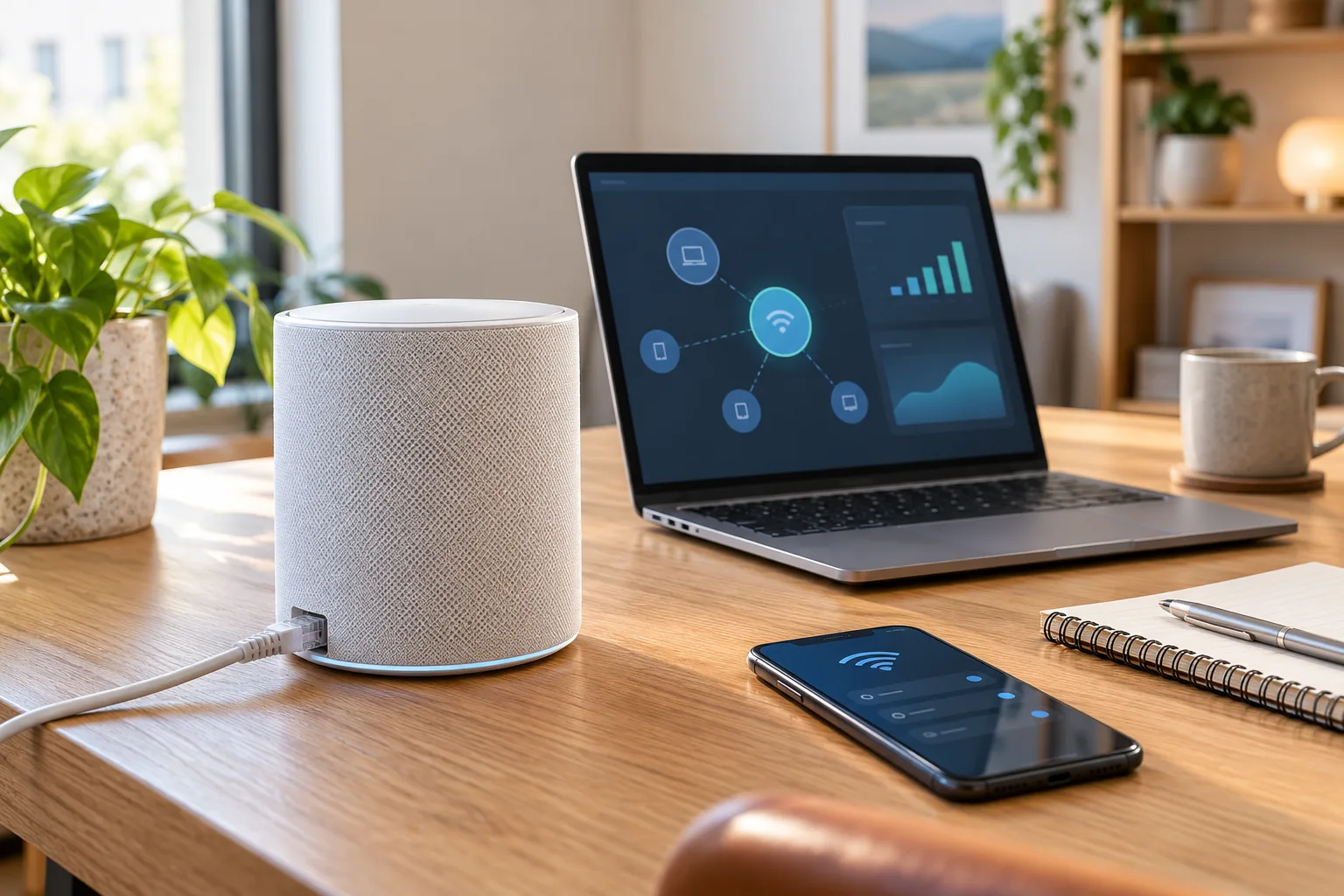
What should you check first when the router is not working?
Work from the internet source toward the client. A router can be healthy while the modem is offline, the cable is in a LAN port, or the phone is connected to a neighbour's network. Diagnosing in order prevents unnecessary resets and makes each test meaningful.
1. Check the modem or ISP gateway
Confirm its internet status directly or by reconnecting a known-working computer to it if your provider setup allows.
2. Verify WAN, not LAN
The cable from the modem belongs in Kevin's 2.5GbE WAN port. A LAN port is for a wired computer, console or mesh node.
3. Confirm the SSID
Join the network created during setup, not the factory temporary network or a guest SSID unless that is intentional.
4. Test near the router
Move the client into the same room before changing settings. If performance is normal nearby, the issue is placement or coverage.
5. Reset only if configuration is inaccessible
Use the manual's reset procedure after other checks fail, then reconfigure the router.
Why is there no internet after Minion router setup?
The most common causes are an offline modem, an Ethernet cable in the wrong port, or a double-router configuration that was not completed. Check the cable path before changing Wi-Fi settings.
- Disconnect and reconnect the WAN cable at both ends
- Power-cycle the modem first, then the Kevin, then the client
- Confirm the modem or ONT has a working internet indicator
- If the ISP box still routes, try bridge mode or access-point mode only when your exact firmware documents it
- Test the same client on another known network to rule out its Wi-Fi settings
The modem vs router guide explains WAN and why Kevin cannot replace a cable, fiber or DSL modem by itself. For an ISP gateway plus Kevin, use the bridge-mode and double-NAT guide.
Why can't I find the Minion router Wi-Fi network?
The router may still be booting, the SSID may have changed, or the device may be scanning only another band. Wait several minutes, move close to the router and refresh the Wi-Fi list.
- Confirm the router has power and has completed its normal startup
- Check the router label for the factory temporary SSID
- Disable Wi-Fi scanning filters, private DNS or manual network lists that may hide a new SSID
- Forget and rejoin the network after changing the Wi-Fi name
- Use the app or label address to confirm the SSID is still enabled
Status-light meanings vary by firmware. Use the printed instructions and app state for your exact Kevin rather than assigning a universal meaning to one colour.
Why is the 6 GHz network not showing?
The client must support Wi-Fi 6E to see the 6 GHz band. A Wi-Fi 6 phone, laptop or headset that lacks the E designation cannot use it, even when the Kevin broadcasts it correctly.
- Verify the exact device model supports Wi-Fi 6E
- Confirm 6 GHz is enabled in the app or web admin
- Check whether the router uses a separate 6 GHz SSID
- Move into the same room for the first test because 6 GHz has shorter reach
- Update the client's Wi-Fi driver or operating system if it supports 6E but cannot see the band
Kevin's separate 6 GHz setup and PCVR-specific placement are covered on the Quest 3 router guide.
Why is the Minion router Wi-Fi slow?
Test the broadband baseline with Ethernet before blaming Wi-Fi. The AXE5400 rating is a combined radio class, not promised one-device throughput, and the ISP plan remains the ceiling for internet downloads.
| Symptom | Most likely check |
|---|---|
| Slow everywhere, wired included | ISP plan, modem port, cable or provider issue |
| Fast nearby, slow in another room | Placement, wall material or mesh coverage |
| Only an older phone or laptop is slow | Client Wi-Fi standard or driver |
| 6 GHz link drops at distance | Normal shorter range; move closer or use 5 GHz |
| Speed changes during the day | Congestion, provider load or concurrent traffic |
Run the near-router and real-room tests described in the Kevin router speed guide. If the weak room needs more coverage, compare Extender and Mesh mode before adding hardware.
Why won't the second mesh node pair?
Pair close to the main router before placing the node in the far room. A weak or obstructed backhaul during pairing prevents the devices from negotiating the mesh link.
1. Bring the node near
Place it in the same room as the main Kevin and power it on.
2. Restart pairing
Use Add node in the companion app or web admin and wait for the node to appear.
3. Move gradually
Place the node one room away, then verify its status remains healthy after the move.
4. Reverse a failed placement
If the node becomes unstable, move it closer to the main router rather than adding another extender between them.
See the mesh guide for 2-pack and 3-pack coverage and placement rules.
Why can't I open the router admin or setup page?
- Confirm the phone or computer is connected to Kevin's network
- Use the exact address on the router label rather than guessing a local IP
- Disconnect cellular data temporarily if the phone routes the request away from the router
- Try a private browsing window or another browser
- Confirm you are using the administrator password, not the Wi-Fi password
The Minion router login guide covers the QR route, administrator password and safe recovery steps. The manual and app guide explains app-versus-browser setup and reset behavior.
When should you factory reset the Minion router?
Reset when you cannot access the admin, the router repeatedly fails after a known-good modem and cable test, or you are preparing the unit for a new owner. Do not reset merely because one device cannot see 6 GHz; that is usually a client compatibility issue.
- Record the current SSID and any provider login details before resetting
- Use the documented reset control on your exact model
- Wait for the documented status change, then reconnect using the label's temporary network
- Run the initial setup again and update firmware
If the correct adapter, known-working modem, known-good Ethernet cable and factory-reset flow all fail, contact the seller with the model, purchase details and the tests performed. Do not open the router or repeatedly reset it.
Key takeaways
- Check modem and WAN cabling before router settings
- Only Wi-Fi 6E devices can see the 6 GHz band
- A wired baseline separates ISP problems from Wi-Fi problems
- Pair mesh nodes near the main router first
- Use the label address for admin access
- Factory reset is the last troubleshooting step
Continue with the Minion router manual for setup and reset details, the guest-network guide for extra SSIDs and isolation tests, or the original setup guide for the initial cable and app walkthrough.
Frequently asked questions
Why is my Minion router not connecting to the internet?
Check the modem status and make sure Ethernet runs from the modem's LAN port to Kevin's 2.5GbE WAN port. Power-cycle the modem, then the router, then the client. A double-router setup may also need bridge mode or a documented access-point mode.
Why can't my phone see the 6 GHz Wi-Fi?
The phone must support Wi-Fi 6E. Wi-Fi 6 devices can use 2.4 GHz and 5 GHz but cannot see the 6 GHz band. Confirm 6 GHz is enabled and test near the router with a 6E device.
Why is the Minion router slower than AXE5400?
AXE5400 combines all three radio ratings and is not expected one-device throughput. Internet tests are capped by the broadband plan, while Wi-Fi transfer speed depends on the client, distance, interference and test server.
How do I reset the Minion router?
Use the reset control and timing documented on your exact model or label. Reset erases Wi-Fi and administrator settings. Reconnect to the temporary network afterward and run the initial setup again.
Why won't my mesh node connect?
Bring the node near the main router, restart the Add node flow, wait for it to pair and only then move it to the far room. If it becomes unstable, choose a closer placement.
What should I do if the router admin page won't load?
Connect to Kevin's Wi-Fi, use the local address on the router label, temporarily disconnect cellular data and try another browser. The administrator password is separate from the Wi-Fi password.
When is the router faulty rather than misconfigured?
After a known-good modem and Ethernet cable, correct WAN connection, compatible client and factory reset all fail, contact the seller with the exact model and tests performed rather than repeatedly resetting or opening the unit.
Need a fresh Kevin setup?
The Minions WiFi 6E Router starts at $102.99 with free 3–5 day shipping and 30-day returns.