
Minions Router Mesh: How the 2-Pack and 3-Pack Cover a Whole Home
The Minions Kevin is mesh-ready out of the box: every unit in a 2- or 3-pack joins one network, and the 6GHz band runs as a dedicated backhaul between units, so your devices keep the fast lanes. One unit covers about 2,000 sq ft — here is how to plan, place and set up the mesh.
What the mesh actually does
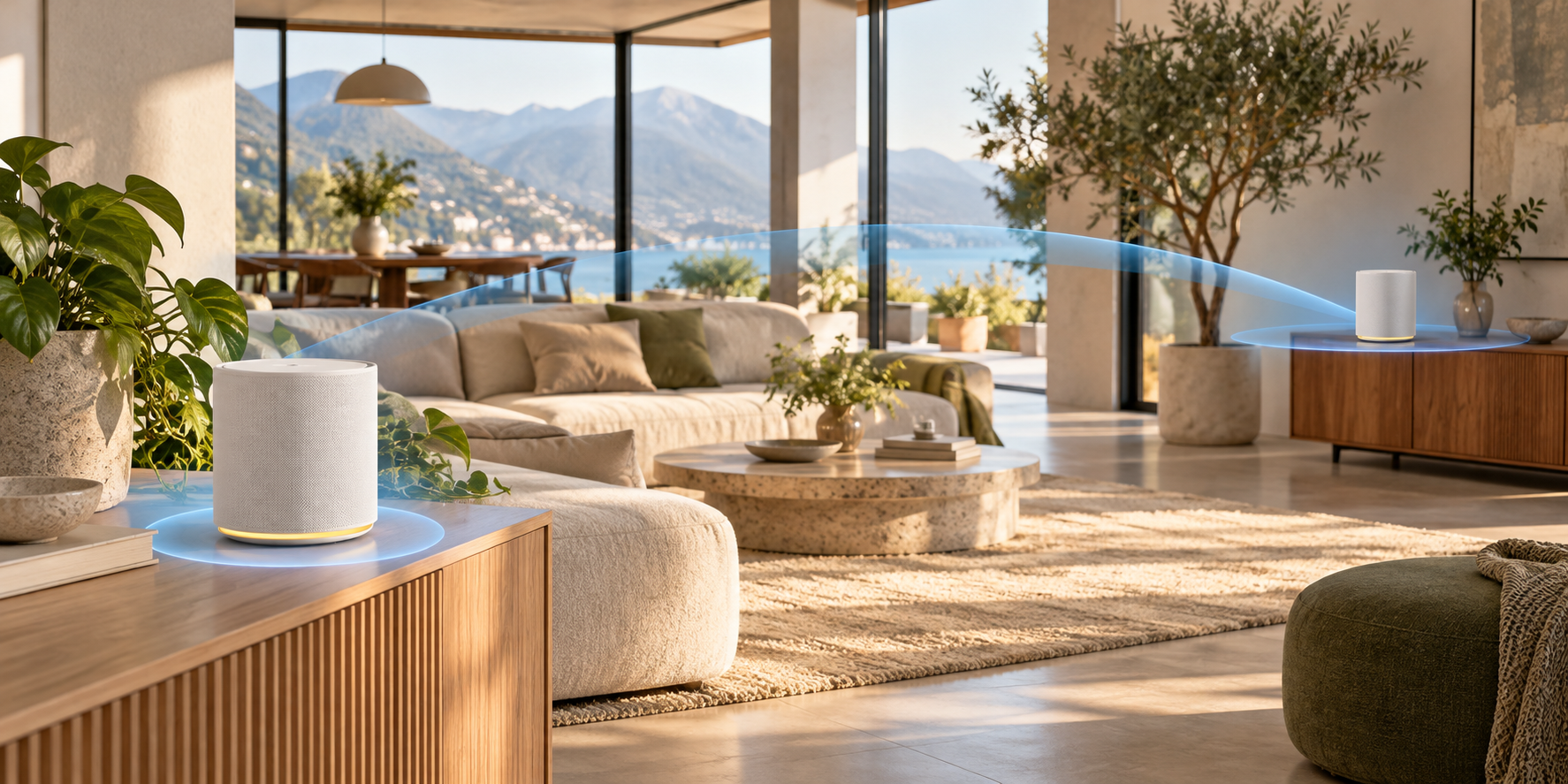
A mesh funnels every unit into one network name: your phone, laptop and headset hop between units as you move around the house, always landing on the closest one. The part most people miss is how the units talk to each other — the Kevin runs that link on the 6GHz band as a dedicated backhaul.
- One Wi-Fi name across all units — devices roam without you reconnecting anything
- Dedicated 6GHz backhaul: the inter-unit link does not share airtime with your devices
- Compatible Davolink Minions mesh, so same-family units negotiate the network path
- Same WPA3 security and app management as a single unit
How many units you need
| Home | Kit | Coverage |
|---|---|---|
| Apartment / up to ~2,000 sq ft | Single unit | ~2,000 sq ft |
| 2–4 rooms, ~2,000–4,000 sq ft | 2-pack | ~4,000 sq ft |
| Large or multi-floor, 4,000–6,000 sq ft | 3-pack | ~6,000 sq ft |
Coverage numbers assume open-plan space — walls, floors and masonry shrink the real-world reach, so when in doubt size up. Kit pricing is on the price page.
Where to place each unit
1. Main unit next to the modem
The primary Kevin stays where the internet enters the home — that is the 2.5GbE WAN connection.
2. Second unit midway, not at the far end
Put the second unit roughly halfway into the weak zone. A unit sitting in a fully dead corner is also too far to hear the main unit well.
3. Keep it out of the furniture
Open shelves beat cabinets, closets and floors — metal and thick wood cut the 6GHz backhaul first.
4. Add the third unit beyond the second
In a 3-pack, chain units across the house rather than clustering two of them in one room.
The 6GHz band has less range than 5GHz — that is physics, not a defect. Units are meant to sit within reasonable distance of each other; halfway-point placement is what keeps the backhaul strong. If you are comparing complete third-party systems, use Kevin vs Deco XE5300 for a three-node Wi-Fi 6E pack, Kevin vs Google Nest Wifi Pro for a Google mesh, or Kevin vs ZenWiFi ET9 for AiMesh.
Wired devices and the 6GHz backhaul
Every unit has gigabit LAN ports, so stationary devices — a desktop, console or NAS — can be wired to whichever unit is closest. The wireless mesh link between units still runs on 6GHz, which is what keeps Wi-Fi speeds high across the house.
- Wire your PC to the nearest unit and stream PCVR to a Wi-Fi 6E headset — the setup's sweet spot
- Gigabit LAN ports on every unit; only the main unit's WAN port is 2.5GbE
- The backhaul uses the 6GHz band — up to 2,402 Mbps of theoretical link speed between units
Pairing the units (about 15 minutes)
1. Set up the main unit
Get the first unit online — the setup guide covers the wired first connection and the manual explains app, admin and reset details.
2. Power the second unit nearby
Bring it within range of the main unit for pairing, then move it to its spot.
3. Add node in the app
Choose Add node / Add mesh unit and follow the prompt — the 6GHz backhaul is negotiated automatically.
4. Verify and relocate
Watch the unit's status light or the app; a healthy pairing survives the move to its final position. If pairing fails, use the mesh troubleshooting steps.
Frequently asked questions
Does the Minions router support mesh?
Yes. Kevin supports compatible Davolink Minions mesh, and the 2-pack and 3-pack kits pair units into one network with the 6GHz band as a dedicated backhaul between them.
How much area does each kit cover?
About 2,000 sq ft for a single unit, roughly 4,000 sq ft for the 2-pack and about 6,000 sq ft for the 3-pack — assuming typical open-plan space. Walls and floors reduce real-world reach, so size up for dense layouts.
Mesh vs a Wi-Fi extender — what is the difference?
An extender repeats your Wi-Fi on the same bands, usually at reduced speed in the zone it serves. Mesh units form one network with a dedicated 6GHz backhaul, so far rooms keep their speed and devices roam without dropping.
Does the mesh slow my Wi-Fi down?
No — that is the point of the dedicated 6GHz backhaul. The link between units uses the 6GHz lane, so your 2.4GHz, 5GHz and 6GHz capacity stays available for devices.
Can I expand a starter kit later?
The store sells singles, 2-packs and 3-packs, and units pair through the app. The practical path: start with the kit that matches the coverage you need, and for larger homes the 3-pack has the lowest price per unit.
How close should mesh units be to each other?
Roughly one room to one floor apart, roughly in line with where the signal needs to travel. Too far and the 6GHz backhaul weakens first; too close and you waste coverage. Midway into the weak zone is the rule of thumb.
Cover every corner with the right kit
Start at $102.99 — free shipping in 3–5 days and 30-day returns on every kit.