
How Do You Use the Minion Router With an ISP Router?
Keep the ISP gateway for the physical line, connect its LAN output to Kevin's 2.5GbE WAN port, and decide whether to use the ISP box in bridge mode or accept double NAT. This guide separates the three options and avoids assuming Kevin has a bridge menu its firmware may not provide.
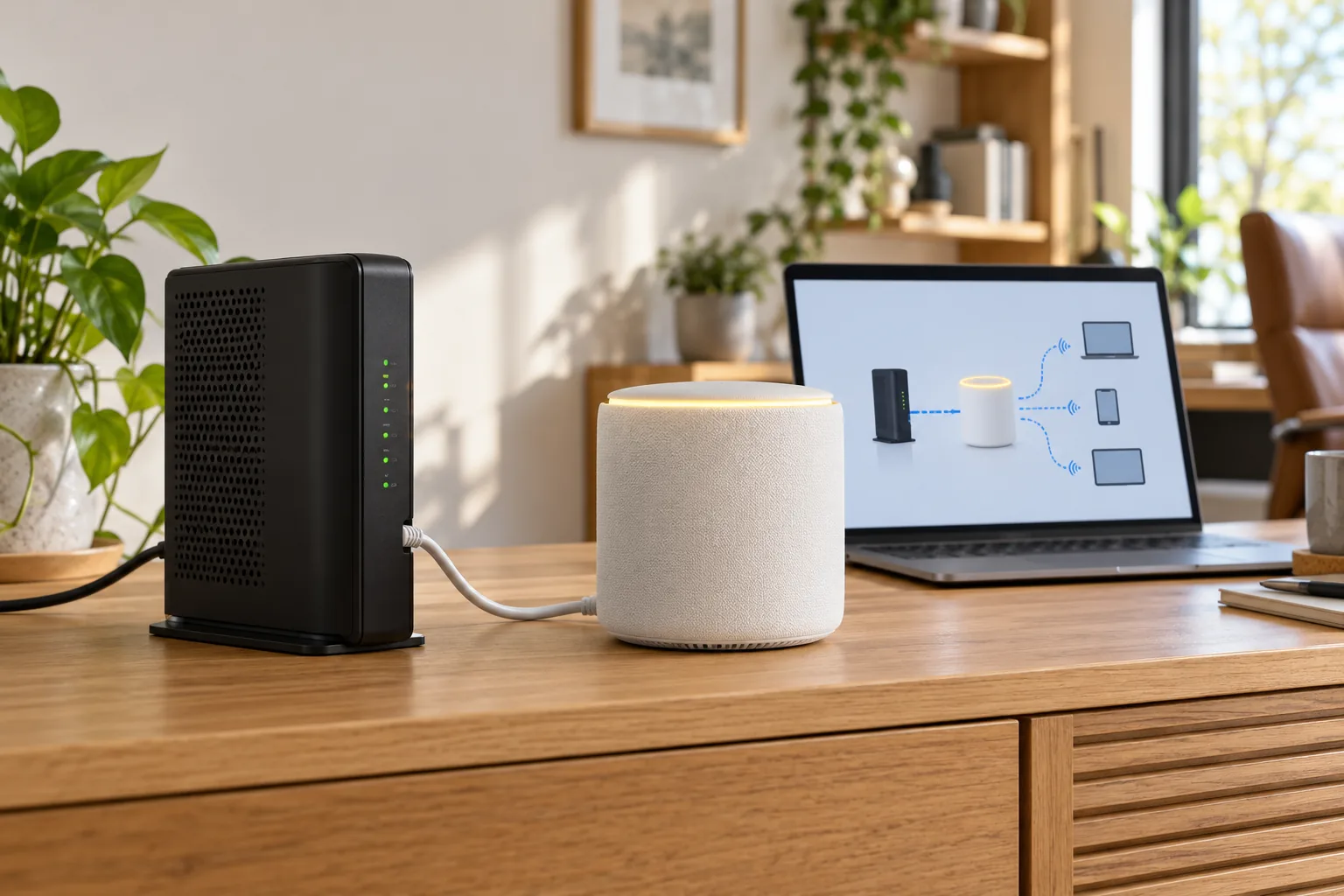
Which device should be put in bridge mode?
In the usual homes setup, the ISP modem-router combo is the device set to bridge mode. It keeps converting cable, fiber or DSL into Ethernet but stops performing NAT and Wi-Fi routing. The Minions Kevin then receives the internet on WAN and becomes the main router.
| Device | Normal job | Bridge-mode role |
|---|---|---|
| Fiber ONT or cable modem | Convert the ISP line to Ethernet | Already modem-only in many setups; no bridge menu may exist |
| ISP modem-router combo | Modem plus routing, NAT and Wi-Fi | Passes internet to Kevin without routing underneath |
| Minions Kevin | Wi-Fi, LAN routing and NAT | Remains the router in the recommended topology |
The modem vs router guide explains why Kevin cannot replace the cable, fiber or DSL modem itself.
How should the ISP router and Kevin be connected?
1. Keep the ISP line connected
Leave the coax, fiber or phone-line cable attached to the ISP modem or ONT exactly as the provider installed it.
2. Connect ISP LAN to Kevin WAN
Run Ethernet from an ISP gateway LAN port to the Kevin's 2.5GbE WAN port. Kevin's LAN ports are for devices behind it.
3. Verify internet before changing modes
Confirm that a device connected to Kevin is online before touching ISP bridge settings or resetting either box.
4. Move routing to Kevin
If the ISP gateway supports bridge mode, enable it using that provider's documented steps and then verify internet through Kevin again.
5. Test Wi-Fi and wired clients
Check a wired client and a Wi-Fi client on the Kevin, then test gaming or VR only after basic internet is stable.
The physical cable flow and password steps match the main Minion router setup guide.
Is double NAT a problem with the Minion router?
Double NAT happens when both the ISP gateway and Kevin route and translate addresses. It is common in apartment fiber and provider-supplied gateways. For ordinary browsing, streaming and gaming it often works without a visible problem.
| Setup | Best for | Limitation |
|---|---|---|
| ISP gateway in bridge mode | One clean router, easier port forwarding, diagnostics and VR setup | Requires provider support and may disconnect devices during the change |
| Double NAT | Users who cannot change or do not control the ISP gateway | Inbound hosting and port forwarding can require rules on both routers |
| ISP gateway keeps Wi-Fi, Kevin as access point | Extending an existing network when Kevin's exact firmware supports AP mode | Less control over routing and not universal across firmware |
Bridge mode is not a speed boost. It changes routing responsibility. A multi-gig plan also needs compatible ISP Ethernet ports and cabling.
Should the Kevin be used as an access point instead?
Use access-point mode on Kevin only when the app or web admin for your exact firmware exposes it. In that design the ISP gateway remains the router and Kevin supplies Wi-Fi plus Ethernet through a LAN-to-LAN style connection documented by the seller.
- Choose Kevin as the router when you want the 2.5GbE WAN, its firewall/NAT and one primary network
- Choose access point when ISP routing must remain and Kevin's firmware explicitly supports AP mode
- Use double NAT only as the practical fallback when bridge mode is unavailable
- Do not infer access-point mode from the shape of the web admin or another router's instructions
The manual and app guide explains where to find the operation-mode and admin controls.
Which setup is best for gaming and PCVR?
One router path is easier to diagnose: ISP gateway in bridge mode, Kevin as the router, gaming PC wired to Kevin, and the headset on a nearby 6 GHz SSID. If bridge mode is impossible, test double NAT before assuming it is the cause of lag.
- Wire the gaming PC to a Kevin LAN port
- Keep the ISP gateway in bridge mode only when its removal of NAT is verified
- Avoid double port forwarding unless the provider documentation explicitly requires it
- Test ping and jitter with wired and wireless clients before changing DNS or firewall settings
- For Quest 3 placement and 6 GHz details, use the Quest 3 router guide
What if there is no internet after bridge mode?
1. Put the cable back in the known-good path
Confirm ISP LAN to Kevin WAN and test a wired client before changing more settings.
2. Power-cycle in order
Restart the ISP gateway, wait for it to settle, then restart Kevin and the client.
3. Check the provider requirement
Some ISPs require a tagged VLAN, PPPoE login or router replacement rather than simple bridge mode. Use the provider's exact guide.
4. Restore the previous mode if needed
If bridge mode removes internet and the provider path is unclear, return the ISP box to its prior working configuration.
For broader no-internet checks, use the Minion router troubleshooting guide.
Which configuration should you choose?
- Control the ISP gateway and want one router: use ISP bridge mode
- Cannot change the ISP gateway: use double NAT and document where each subnet lives
- ISP routing must remain and Kevin supports AP mode: use it only with the exact firmware instructions
- You do not need Kevin's routing features: keeping ISP Wi-Fi and leaving Kevin powered off is simpler than a redundant router
Key takeaways
- Bridge mode normally changes the ISP modem-router, not Kevin
- Connect ISP LAN to Kevin's 2.5GbE WAN port
- Double NAT often works when bridge mode is unavailable
- Use Kevin access-point mode only when its firmware documents it
- One routing layer is easier for gaming, PCVR and port forwarding
Product and port facts are supported by the Kevin spec sheet. Provider-specific bridge settings vary and should be followed exactly.
Frequently asked questions
Does the Minion router have bridge mode?
The clean bridge-mode setup normally changes the ISP modem-router, not Kevin. Kevin remains the main router behind it. Do not assume Kevin has a bridge or access-point menu unless your exact firmware shows it.
Can I connect the Minion router to an ISP router?
Yes. Run Ethernet from an ISP gateway LAN port to Kevin's 2.5GbE WAN port, then set up Kevin's Wi-Fi. Bridge mode on the ISP device is optional but removes the extra routing layer when supported.
Is double NAT bad for gaming?
Often it works fine for online gaming. Problems become more likely when hosting servers or forwarding inbound ports because the rules may need to exist on both routers.
Should the Minion router be an access point?
Only if the exact model firmware exposes access-point mode and documents the connection. Otherwise keep the ISP gateway in bridge mode or use double NAT.
Does bridge mode make Wi-Fi faster?
No. It changes which device routes traffic. Speed depends on the internet plan, modem port, WAN path, client capability and Wi-Fi conditions.
What if bridge mode removes my internet?
Restore the previous working ISP configuration, verify ISP LAN to Kevin WAN, and check whether the provider requires PPPoE, VLAN tagging or a specific gateway setting.
Use Kevin behind your ISP gateway
Minions Kevin starts at $102.99 with 2.5GbE WAN and free 3–5 day shipping.