
Kevin Gaming Router: Quest 3, 6 GHz Setup & Latency
The Minions Kevin (AXE5400) is sold as a WiFi 6E gaming router: a clean 6 GHz band, a 2.5GbE WAN port and tri-band mesh. This guide explains what actually affects latency and jitter, how to set it up for wireless PCVR, and when a different router makes more sense.
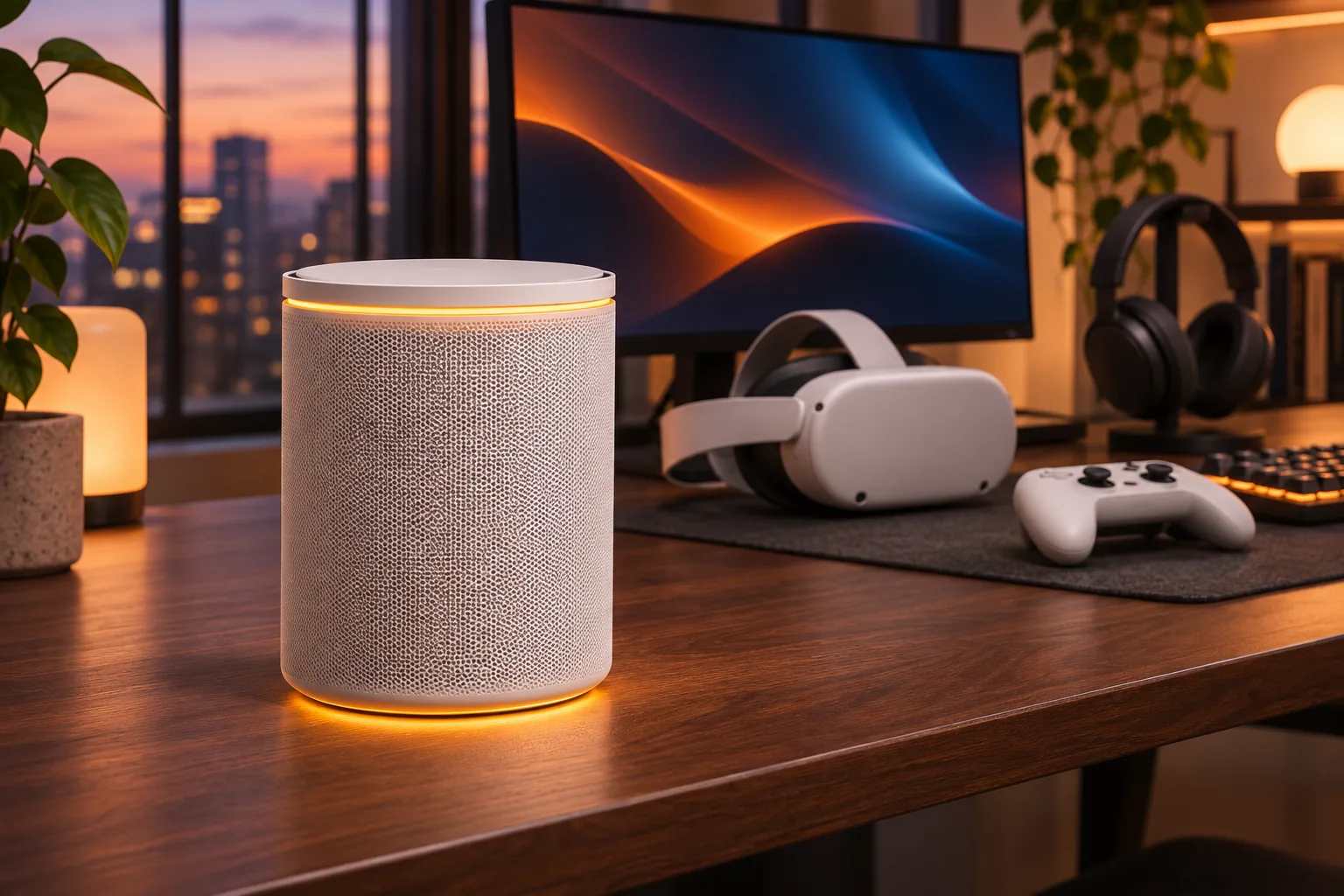
What actually matters for gaming Wi-Fi?
Online games care about latency (ping), jitter (how much ping varies) and packet loss — not about the biggest number on the box. Wi-Fi adds latency when the channel is crowded: neighbours on the same channel, Bluetooth, microwaves and older devices all compete for airtime. That is why a clean 6 GHz band can matter more than a higher theoretical speed.
- Congestion: 6 GHz is much less crowded than 2.4 and 5 GHz in apartments
- Distance and walls: higher frequencies lose signal faster — stay in the same room for VR
- Wired beats wireless: connect the PC or console by Ethernet whenever possible
- No router fixes ISP routing: check ping to the game server before blaming Wi-Fi
Which Kevin specs matter for gaming?
| Spec | What it means for gaming |
|---|---|
| 6 GHz band, 2,402 Mbps | A dedicated, mostly empty channel for a headset or laptop |
| 5 GHz band, 2,402 Mbps | Fast band for phones, consoles and older laptops |
| 2.4 GHz band, 574 Mbps | Long range for smart home devices, not for competitive play |
| 1x 2.5GbE WAN | No bottleneck on multi-gig fiber; headroom for game downloads |
| Gigabit LAN ports | Wire the PC or console for the lowest jitter |
| WPA3 | Modern encryption without slowing the network down |
| Compatible Davolink mesh, 6 GHz backhaul | Add a second unit without halving the gaming band |
The full hardware sheet — chipset bands, ports and coverage — is on the specs page.
Why is wireless PCVR Kevin's strongest use case?
Wireless PCVR streaming (Virtual Desktop, Steam Link, ALVR and similar tools) is where a cheap 6 GHz router earns its place. The headset needs stable bandwidth and low jitter; the 6 GHz band gives it a channel that neighbours are unlikely to use. Keep the PC on Ethernet and put the router in the same room as the play area.
- Create a separate 6 GHz SSID used only by the headset
- Connect the gaming PC to a LAN port by cable — never stream PCVR over Wi-Fi twice
- Keep the router in line of sight of the play area; 6 GHz hates walls
- In a large home, place a mesh unit near the play area with 6 GHz backhaul
How do you set up Kevin for gaming?
1. Wire the PC or console
Plug it into a gigabit LAN port with the included Ethernet cable.
2. Split the bands
In the app, give 6 GHz its own SSID so only the headset or gaming laptop uses it.
3. Place the router high and central
Avoid cupboards, metal shelves and the floor — especially for 6 GHz.
4. Add mesh only if needed
For large homes, pair a compatible Davolink Minions unit near the play area; the mesh uses 6 GHz as backhaul.
5. Test before you blame the router
Run a ping/jitter test to the game server, compare wired vs wireless, then use the Kevin router speed test to separate internet, client and Wi-Fi limits.
The general four-step setup (about 15 minutes) is in the setup guide. For Quest 3 headset placement, bitrate and PC wiring, use the dedicated Quest 3 router guide. If you are deciding whether to play tethered, compare the Quest 3 Link Cable and wireless options. For the wireless band, compare Quest 3 Wi-Fi 6 vs 6E.
Who should buy Kevin for gaming?
- Buy it if: you want 6 GHz and wireless PCVR on a budget, you live in a crowded building, or you need a cheap tri-band mesh
- Skip it if: you need multi-gig LAN ports on every device, you already own a high-end Wi-Fi 6E router, or your problem is an ISP route you cannot fix locally
Our full verdict, with 132 buyer reviews, is in the router review. Comparing it with the cheaper dual-band Bob? See Kevin vs Bob.
When should you choose another gaming router?
Keep Kevin when Quest 3 or PCVR happens near the router and the priority is a clean 6 GHz channel, a 2.5GbE WAN and the lowest upfront price. Choose a competitor only when its hardware or ecosystem removes a specific limitation.
| Choose | Better fit when | Full comparison |
|---|---|---|
| Kevin | One-room Quest 3 or PCVR, a crowded apartment and a single-unit budget | Kevin gaming and PCVR review |
| ASUS RT-AXE7800 | You need more Ethernet and USB ports or a larger tested range footprint | Kevin vs ASUS RT-AXE7800 |
| Nighthawk RAXE300 | Six Ethernet ports and USB-C storage matter more than Kevin's lower price | Kevin vs Nighthawk RAXE300 |
| eero Pro 6E | App-first setup and a mature multi-node ecosystem fit a larger home | Kevin vs eero Pro 6E |
| TP-Link Deco XE5300 | A ready-made three-node Wi-Fi 6E mesh and its tested whole-home range are the priority | Kevin vs Deco XE5300 |
Which Kevin pack should a gamer buy?
| Format | Price | Best for |
|---|---|---|
| Single unit | $102.99 | One room or a small apartment |
| 2-pack | $189.99 (save $16) | Two-floor homes and larger play areas |
| 3-pack | $259.99 (save $49) | Whole-home coverage |
- Free shipping in 3–5 days on every pack
- 30-day returns
- See the live price page for current pricing
Frequently asked questions
Is the Kevin router good for gaming?
Yes, for its price. The 6 GHz band gives a cleaner channel for a headset or gaming laptop, and the 2.5GbE WAN avoids a bottleneck on fast fiber. Latency still depends on your ISP route and on using Ethernet where possible.
Does it support wireless PCVR?
It can. Wireless PCVR tools such as Virtual Desktop or Steam Link stream over Wi-Fi, and a dedicated 6 GHz SSID is the safest setup. Keep the gaming PC on Ethernet and stay in the same room as the router.
How do I enable the 6 GHz band?
During app setup, turn on the 6 GHz band and — ideally — give it a separate SSID. Only Wi-Fi 6E devices can see that network; that is the point.
Is a 2.5GbE WAN port worth it for gaming?
It matters if you have multi-gig fiber or heavy game downloads. On a 1 Gbps line it is headroom, not a speed boost. It never hurts, but it is not the reason to buy.
Can I use it with a console?
Yes. For the lowest jitter, connect the console to a gigabit LAN port by cable. Wi-Fi works too, preferably on the 5 GHz band, which reaches further than 6 GHz.
Kevin vs Bob for gaming?
Kevin is the WiFi 6E model with the 6 GHz band and 2.5GbE WAN; Bob is a cheaper dual-band WiFi 6 router. For wireless PCVR or a crowded apartment, Kevin is the one to pick. See Kevin vs Bob.
Get the Kevin gaming router
From $102.99 — free 3–5 day shipping and 30-day returns.