
Quest 3 Wi-Fi 6 vs 6E: Does It Matter for PCVR?
Quest 3 can use Wi-Fi 6, and Wi-Fi 6E adds the 6 GHz band when the router supports it. The practical difference for PCVR is less about the standard's label and more about congestion, distance, router placement and whether the gaming PC is wired.
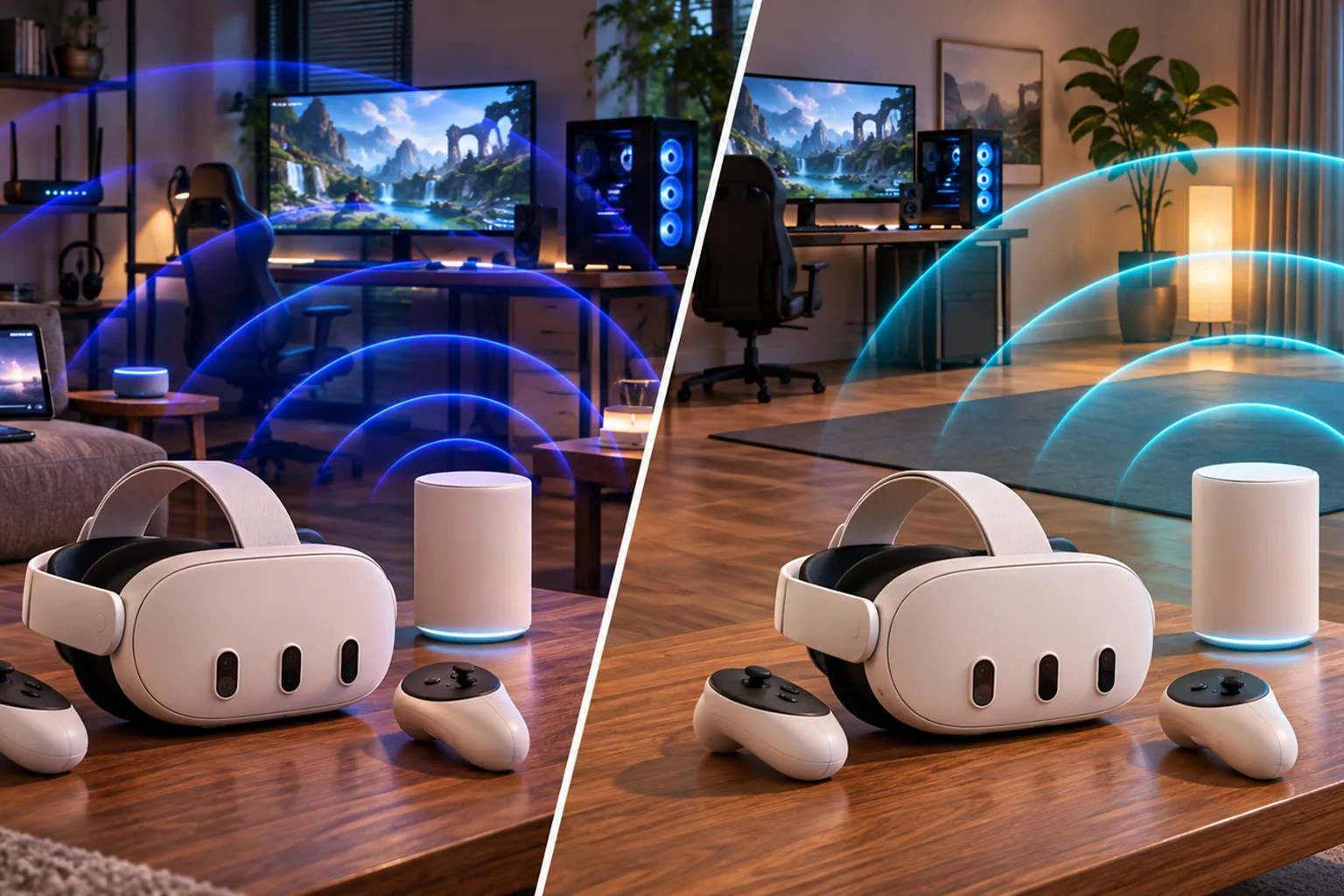
Does Wi-Fi 6 vs 6E matter for Quest 3 PCVR?
It matters when 5 GHz is congested or when the play area can use a strong, nearby 6 GHz signal. It does not guarantee a better session by itself. Quest 3 PCVR still depends on a wired gaming PC, router placement, local interference, the streaming app and the PC's performance.
| Standard | Bands | Quest 3 PCVR relevance |
|---|---|---|
| Wi-Fi 6 | 2.4 GHz and 5 GHz | Can support PCVR on a clean 5 GHz path with a nearby router and wired PC |
| Wi-Fi 6E | 2.4, 5 and 6 GHz | Adds 6 GHz spectrum for less congestion, with shorter reach than 5 GHz |
| Wi-Fi 7 | 2.4, 5 and 6 GHz plus newer features | Not required by Quest 3; buy only when broader client or router needs justify it |
Does Quest 3 support Wi-Fi 6 and 6E?
Meta lists Wi-Fi 6E on the Quest 3 product specification. Wi-Fi standards are backward compatible, so Quest 3 can use an older compatible Wi-Fi 6 network. The 6 GHz display or separate SSID appears only when the router exposes a compatible 6 GHz network.
Connect the headset to the exact SSID you intend to test. Seeing a 5 GHz network is not evidence that the 6 GHz radio is active.
Is Wi-Fi 6 enough for Quest 3 PCVR?
Yes, Wi-Fi 6 can be enough when Quest 3 connects on a strong 5 GHz channel and the gaming PC reaches the router by Ethernet. Virtual Desktop's official setup guidance uses a wired computer and a 5 GHz 802.11ac or newer router as its baseline. A clean 5 GHz path is more important than the marketing speed class.
- Keep the gaming PC wired so only the headset uses Wi-Fi
- Put the router in or near the play area
- Choose a clear 5 GHz channel and avoid crowded neighbouring channels
- Test sustained latency and dropped frames rather than one speed number
- Reduce bitrate if a higher setting causes stutter
When does Wi-Fi 6E help Quest 3?
Wi-Fi 6E helps most when the home has crowded 5 GHz airwaves and the router can sit near the headset. The 6 GHz band offers more clean spectrum in many countries, but walls and distance reduce it faster than 5 GHz. A weak 6 GHz signal is still a weak PCVR connection.
| Situation | Likely better fit |
|---|---|
| Crowded apartment and nearby play area | Dedicated 6 GHz Wi-Fi 6E path |
| Headset several rooms away from the router | Improve placement or use a nearby mesh node rather than relying on distant 6 GHz |
| Older dual-band router that performs reliably | Keep it if measured latency and stability are already good |
| Wi-Fi 6E router with poor placement | Fix placement before assuming a faster router will help |
Do you need Wi-Fi 7 for Quest 3 PCVR?
No. Quest 3 is a Wi-Fi 6E device and does not require a Wi-Fi 7 router for PCVR. A Wi-Fi 7 router can be a reasonable purchase for the rest of a home when its features and compatibility matter, but Quest 3 will not use every Wi-Fi 7 capability merely because the router supports the standard.
Read Is the Minion Router Wi-Fi 7? for the broader upgrade decision, and Quest 3 Link Cable vs wireless if the main question is tethered versus Wi-Fi PCVR.
How do you set up the Minions Kevin for Quest 3 6E?
1. Place Kevin near the play area
Put the router and gaming PC as close to the normal headset position as practical. A same-room path gives 6 GHz its best chance.
2. Connect the PC by Ethernet
Use Kevin's gigabit LAN port. Do not make the PC and headset share two wireless hops.
3. Enable a dedicated 6 GHz SSID
Join Quest 3 to the 6 GHz network while phones and smart-home devices remain on 2.4 or 5 GHz.
4. Start with a stable bitrate
Open Air Link or Virtual Desktop and establish a stable session before changing codec, refresh rate or bitrate.
5. Test the real play area
Run a sustained session where you normally play. Compare 5 GHz and 6 GHz using the same app and settings.
Which router should you use for Quest 3 PCVR?
Choose Kevin for a nearby single-room setup on a budget. Choose a larger router for more wired ports or a mesh system for more whole-home coverage.
| Priority | Better fit | Why |
|---|---|---|
| Nearby Quest 3 PCVR value | Minions Kevin | Wi-Fi 6E 6 GHz, 2.5GbE WAN and one wired LAN port; read the Quest 3 router guide |
| More Ethernet and USB | ASUS RT-AXE7800 | Additional wired ports and storage; compare Kevin vs RT-AXE7800 |
| App-first mesh | eero Pro 6E | Managed mesh ecosystem; compare Kevin vs eero Pro 6E |
| Three-node coverage | TP-Link Deco XE5300 | Ready-made Wi-Fi 6E mesh; compare Kevin vs Deco XE5300 |
See current Kevin pricing, the full radio and port specifications and every shortlisted option in the Minion Router alternatives guide.
Where do these recommendations come from?
Meta's Quest 3 product page documents its Wi-Fi 6E capability. Virtual Desktop publishes the wired-PC and 5 GHz router baseline used for wireless PCVR. Independent context comes from RTINGS, which describes strong nearby performance and reduced range with distance.
Kevin's radio and port facts come from this site's specs page and product listing. The recommendations separate documented standards and ports from room-specific performance; they do not promise a fixed latency, bitrate or frame rate.
Key takeaways
- Quest 3 supports Wi-Fi 6E and can use a compatible Wi-Fi 6 network
- A clean 5 GHz path can be enough for PCVR
- Wi-Fi 6E adds useful 6 GHz spectrum in crowded nearby setups
- 6 GHz has less wall penetration than 5 GHz
- Wi-Fi 7 is not required for Quest 3
- Wire the gaming PC and test in the actual play area
Frequently asked questions
Does Quest 3 support Wi-Fi 6 and 6E?
Meta lists Wi-Fi 6E on Quest 3. The headset can also use compatible older Wi-Fi networks. A 6 GHz connection requires both the headset and router to expose a compatible 6 GHz network.
Is Wi-Fi 6 enough for Quest 3 PCVR?
Yes when the headset has a strong 5 GHz path, the gaming PC is wired and the network is stable. A Wi-Fi 6E router does not automatically outperform Wi-Fi 6 when placement or congestion is poor.
Is Wi-Fi 6E faster than Wi-Fi 6 for Quest 3?
Wi-Fi 6E can offer more clean spectrum on 6 GHz, which helps in congested homes, but it does not guarantee faster PCVR. Range, walls, channel conditions, bitrate and PC performance still determine the result.
Does 6 GHz have shorter range than 5 GHz?
Yes. Higher frequencies generally lose signal more quickly through distance and walls, so 6 GHz works best when the router is in or near the play area.
Do you need Wi-Fi 7 for Quest 3 PCVR?
No. Quest 3 is a Wi-Fi 6E device and does not require a Wi-Fi 7 router. Wi-Fi 7 can still be useful for other devices or broader home requirements.
Should the gaming PC use Wi-Fi?
No. Connect the PC to the router by Ethernet whenever possible. A wired PC leaves one wireless hop between the router and Quest 3 and makes latency easier to diagnose.
Does the Minions Kevin support 6 GHz Quest 3 PCVR?
Yes when its 6 GHz band is enabled and Quest 3 joins the correct SSID. Keep the PC wired and the router near the play area for the best practical setup.
Build a clean 6 GHz PCVR path
The Minions Kevin starts at $102.99 with free 3–5 day US shipping and 30-day returns.