
Quest 3 Link Cable Not Working? 8 Fixes for PCVR
Fix the wired PC connection in order: current Meta Quest Link and Quest software, a supported computer, a data-capable USB cable, a working USB port and correct Windows device detection.
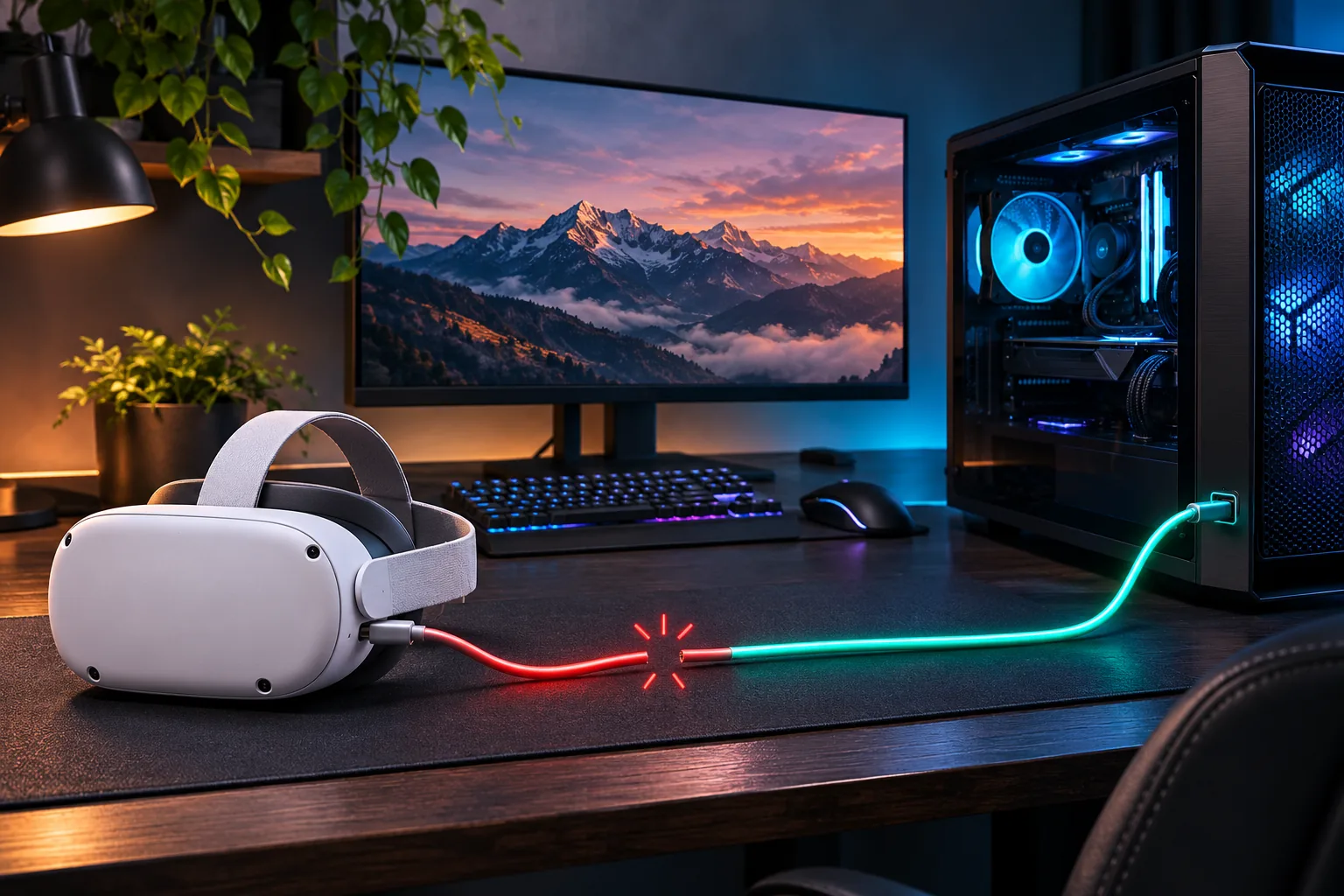
What should you check first when the Link Cable is not working?
Confirm that the headset is detected as a data device, not merely receiving power. The first checks are the current Meta Quest Link software, a supported computer, a data-capable cable and a direct USB port. Reinstalling the headset OS before those pass adds time without isolating the failed part.
| Symptom | First check | Next action |
|---|---|---|
| PC does not detect Quest 3 | Data cable and USB port | Test another direct PC port |
| Stopped working after update | Quest and Quest Link versions | Update both clients and restart |
| Only charging, no data | USB-C data rating | Try a known data-capable cable |
| Intermittent disconnect | Connector movement and cable strain | Remove extensions and test another cable |
| Charges slowly or loses power | PC port power and active cable | Try a powered or supported port |
Why is Quest 3 Link Cable not detected by the PC?
A PC that charges Quest 3 can still fail to detect it when the cable does not carry USB data or the port is not providing a stable data connection. Use a cable designed for data, connect it directly to the computer and test a port on the motherboard rather than an unpowered hub.
- Check that Meta Quest Link is installed from Meta's current PC setup route
- Use a known data-capable USB cable, not a charge-only cable
- Connect directly to the PC and remove extension cables or adapters
- Try a different USB port and avoid an unpowered hub
- Restart the headset and PC before reinstalling drivers
Why did the Link Cable stop working after an update?
Update the wired PCVR stack together: Quest 3 system software and Meta Quest Link on the PC. A version mismatch or a restart that left the PC service in a bad state can make a previously working cable appear disconnected. Restart both devices, reopen Quest Link and retest before buying replacement hardware.
Use the current official Meta PC setup route for software and supported-system details. Third-party download mirrors can introduce an older or mismatched version.
Why does the cable only charge Quest 3?
Charging only is the clearest sign that power is present while data is not. A charge-only cable, damaged data pair, unsupported adapter or failing port can all produce that symptom. Replace one element at a time with a known data-capable cable and direct USB port.
- Read the cable listing for data support rather than charging wattage alone
- Remove USB extensions, splitters and passive adapters
- Inspect both connectors for damage, debris or movement
- Test the same cable and headset on another compatible PC if possible
- Test the same PC port with another known data device
Why does Link Cable disconnect during play?
Intermittent disconnects usually come from a marginal cable, connector strain, power delivery or an unstable USB port. Secure the cable at the headset and PC, remove adapters and extensions, then test a shorter session in the same position to see whether movement triggers the fault.
- Keep enough slack so the headset connector is not pulled sideways
- Avoid sharply bending the cable near either connector
- Remove hubs and extension leads from the diagnostic path
- Test another USB port with the same headset and software
- Check Windows device events around the moment the connection drops
Can Link Cable charge Quest 3 while you play?
A suitable wired connection can supply power during PCVR, but charging speed depends on the cable, PC port and headset power draw. A data connection that works can still leave Quest 3 losing charge during a demanding session. Verify the exact accessory and port rather than assuming every USB-C port behaves the same.
If power is the main problem, test a supported higher-power connection or a different capable port. Do not assume a larger charger will improve charging through an unsupported splitter or data path.
Should you switch to Air Link or another PCVR route?
If the computer works with another headset or cable but not the current Link Cable, replace the failed physical path. If a wireless route works while the same PC never sees the cable, the software and PC are functioning but USB detection is not. Compare Quest 3 Air Link not working fixes when the wireless route fails instead.
For the wired-versus-wireless decision, read Quest 3 Link Cable vs wireless PCVR. For software selection, use Virtual Desktop vs Steam Link vs Air Link.
Where do these Link Cable fixes come from?
Meta documents the Quest Link Cable as a PC-to-headset connection and provides the Meta Quest PC setup route. Meta's Quest 3 product page documents the headset hardware. Virtual Desktop and Steam Link provide the official alternate wireless-PCVR paths used for isolation.
USB hardware, supported PC operating systems and Meta software requirements can change. Verify the current Meta setup guidance for version-specific details.
Key takeaways
- Update Quest 3 and Meta Quest Link before buying a cable
- A charging cable is not evidence of a working data cable
- Connect directly to a suitable PC USB port
- Remove extensions and hubs during diagnosis
- Test cable and port separately
- Use Air Link or another PCVR route to isolate a wired-only fault
Frequently asked questions
Why is my Quest 3 Link Cable not detected?
Check that the cable supports USB data, connect directly to a suitable PC port, update Quest 3 and Meta Quest Link, and restart both devices. A charge-only cable or unstable port can power the headset without providing a data connection.
Why did Link Cable stop working after a Quest update?
Update the PC-side Meta Quest Link software as well, restart both devices and reconnect the cable. Version mismatch or a stale PC service state can make a working cable appear disconnected.
Can any USB-C cable work as a Quest 3 Link Cable?
No. The cable must carry USB data at a suitable rating for the link. A USB-C connector alone does not prove data support, and charge-only cables commonly fail to connect the headset to the PC.
Which PC port should you use with Quest 3 Link Cable?
Use a compatible USB port directly on the PC and avoid unpowered hubs, splitters and unnecessary extensions during diagnosis. Test another suitable port if the first does not detect the headset.
Why does the Link Cable only charge Quest 3?
Power is reaching the headset but the data path is not working. Try a known data-capable cable, remove adapters and extensions, and test another direct PC port.
Does Link Cable charge Quest 3 while playing?
A suitable cable and PC port can supply power during PCVR, but actual charging depends on the accessory and port. A demanding session can still consume more power than a marginal connection supplies.
How do you know the cable or headset is faulty?
Change one variable at a time. Test another data cable with the same port and another PC port with the same cable. If the PC works with Air Link and another cable but never with the original wired setup, the physical cable path is the likely fault.
Keep wired PCVR or compare the wireless route
If you move to Air Link or Virtual Desktop, keep the gaming PC wired and use Kevin's 6 GHz band near the play area.